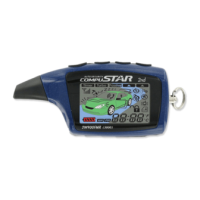
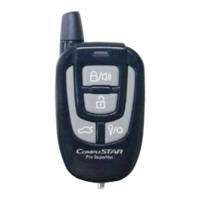
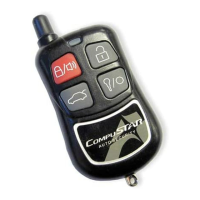
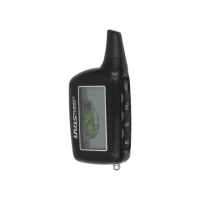
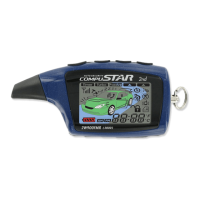
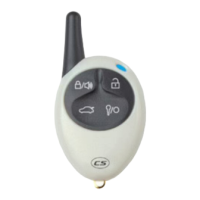
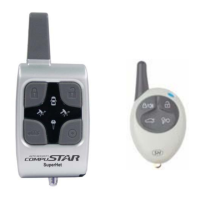
2 Way LED and 1 Way Remote Button Functions
Button Duration
Additional
Programming
Required
Function / Description
0.5 seconds no Lock/Arm
3.5 seconds no
0.5 seconds no Unlock/Disarm
0.5 seconds no
Aux 1. Triggers the auxiliary 1 output (most commonly used for rear defrost or window
roll-down).
2.5 seconds no Trunk pop. Triggers the trunk release output and opens the vehicles trunk.
0.5 seconds no
Aux 2. Triggers the auxiliary 2 output (most commonly used for rear defrost or window
roll-down).
2.5 seconds no Activates the remote start. Repeat and remote start will shut off.
0.5 seconds no
Turns siren on/off (Note: With the siren off, it will still sound in the event the alarm is
triggered).
2.5 seconds no Option programming menu 1 - Installers Only.
0.5 seconds no Valet mode (see page 5 for details)
2.5 seconds no Turns the shock sensor on/off.
0.5 seconds Option 1-9 Drive lock. Activates ignition controlled door locks.
2.5 seconds no Option programming menu 2 - Installers Only.
0.5 seconds no Activates passive arming (vehicle will arm/lock 30 seconds after the vehicle is disarmed)
0.5 seconds Option 2-6
Activates timer start mode. Timer start mode has multiple programmable settings:
duration settings, temperature settings and self start settings.
0.5 seconds Option 2-2
Activates the built-in Turbo timer function. Additional installation is required when using
this feature on automatic transmission vehicles.
2.5 seconds no Car Check (updates vehicle status on remote pager) / Secure Auxiliary
If you would like additional information on the functionality of your 1-way companion remote, please visit
the support page at www.compustar.com
to download the full user manual.
6





 To Next Page