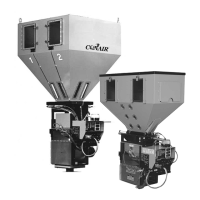
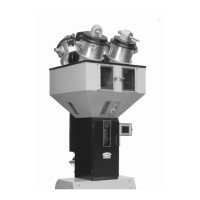
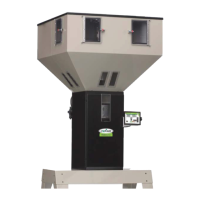
SET MATERIAL TYPES
The Keystroke sequence to set TYPES is:
Press: * Display will say: (PASSWORD)
Press: 22222 Display will say: (P x)
Press: * Display will say: (INSTR --)
Press: 14 Display will say: (1TY= OFF)
The "1" is the component (device) number.
This is component 1. It will control Hopper 1.
Press: CE repeatedly to select one of the four options.
Display will say: (1TY= REG). (Regrind)
(1TY= NAT). (Natural)
(1TY= ADD). (Additive)
(1TY= OFF). (turned off)
When the selection you want is displayed, move on to NEXT component:
Press: * Display will say: (2TY= OFF)
REPEAT the "* CE" sequence for ALL components you use.
The * key will walk you through all components.
The CE key will change the TYPE for a component.
Components NOT CONNECTED, or NEVER USED, set to OFF.
When done:
Press: EXIT Display will say: (P x)
Press: EXIT Display will say: ( x)
After EXIT, if display says (NEED NAT) then you have specified an
ADDITIVE without specifying a NATURAL. This is unacceptable.
NOTE: FOUR dispense valve systems use components 1 through 4.
TWO dispense valve systems use 1 and 2.
SIX dispense valve systems use 1 through 4, then 7 and 8.
Panel front OUTLETS are always components 5 and 6.
Additional outlets are generally components 7 and 8.
+-----------------------------------------------------+
¦ ¦
¦ PROCEED TO: RATE CALIBRATION NEXT PAGE ¦
¦ ¦
+-----------------------------------------------------+
Page 18


 To Next Page