!
Formatting will clear all video data on the hard disk. Use this function only when
necessary.
!
The NVR must be connected to a stable power supply during runtime; otherwise,
the hard disk may be damaged or data may be lost.
You can manage the hard disk of the NVR as follows:
!
Format the hard disk. Click Format. In the displayed dialog box, click Yes.
!
Check the status of the hard disk (usable, abnormal, unformatted, and unavailable).
!
Check the used space and total space of the hard disk.
Area 4: Select IP Cameras
When the function of private network for cameras is enabled, the NVR automatically
searches for IP cameras in the network.
!
When the number of IP cameras in smaller than the number of channels the NVR
can manage, the VHDIPL will automatically detect IP cameras to be managed.
!
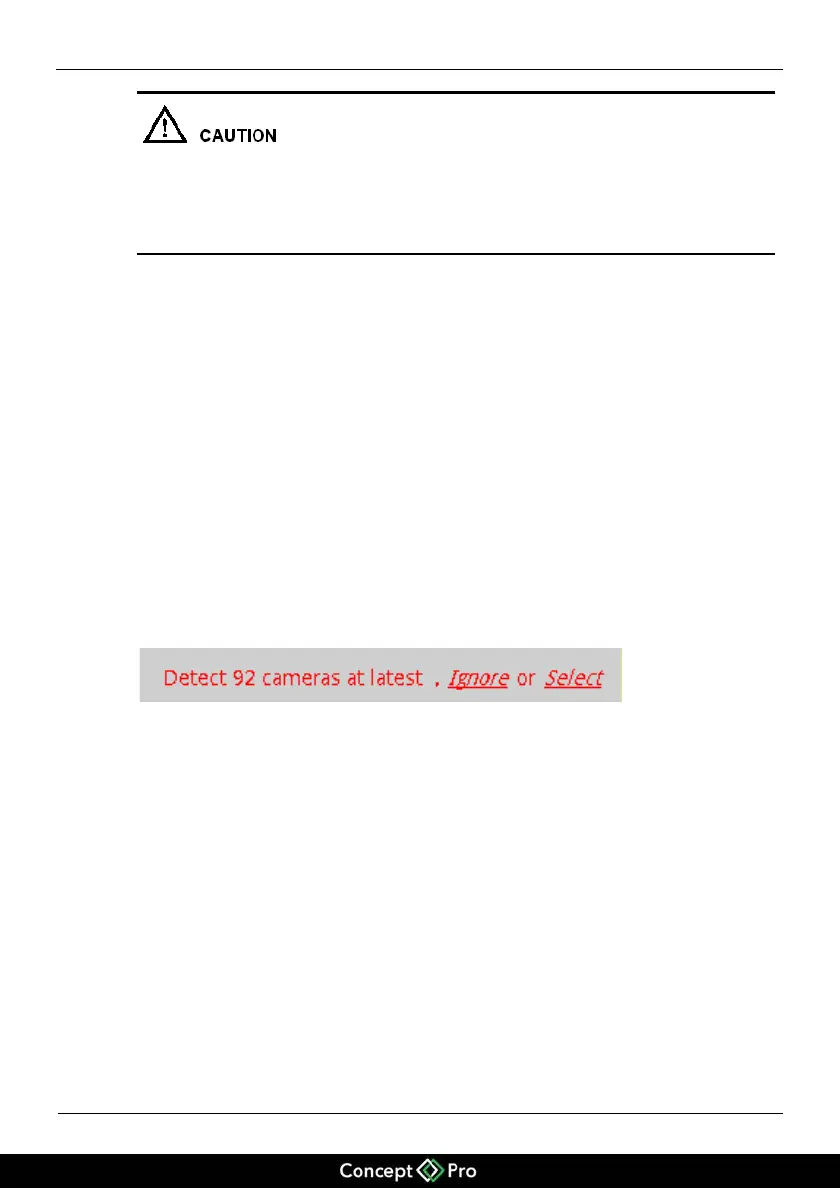
When the number of IP cameras found is greater than the number of channels the
NVR can manage, will display the prompt (Figure 5-2), from here the cameras that
need to be managed by the VHDIPL can be selected by IP address, as shown in
Figure 5-2. The cameras will then also be set on 24*7 recording
Figure 5-2 Prompt message indicating discovery of a device
You must select the devices managed by the NVR. Click Ignore to use the IP cameras
already managed, or click Select. The Select Camera page is displayed, as shown in
Figure 5-3.


 To Next Page