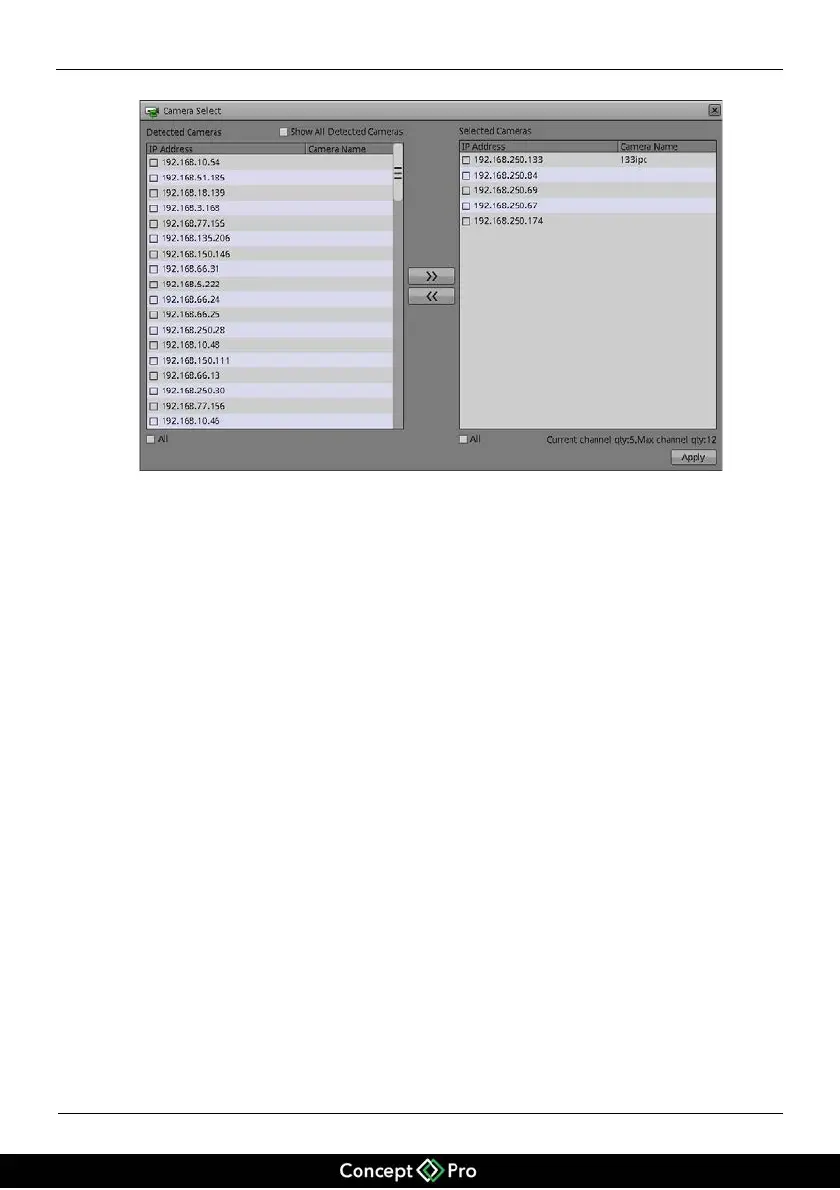
Figure 5-3 Page for selecting cameras
Select the cameras to managed using the tick boxes (ticking and unticking), then use
the arrows to enable the management of the selected IP cameras. Click Apply to
complete selection of IP cameras.
Area 5: Camera Search and deletion
You must select the IP cameras manually when you don’t use the private network for
cameras, click Search Camera, the Camera Search page is displayed, as shown in
Figure 5-4.


 To Next Page