"!(%!')+
%
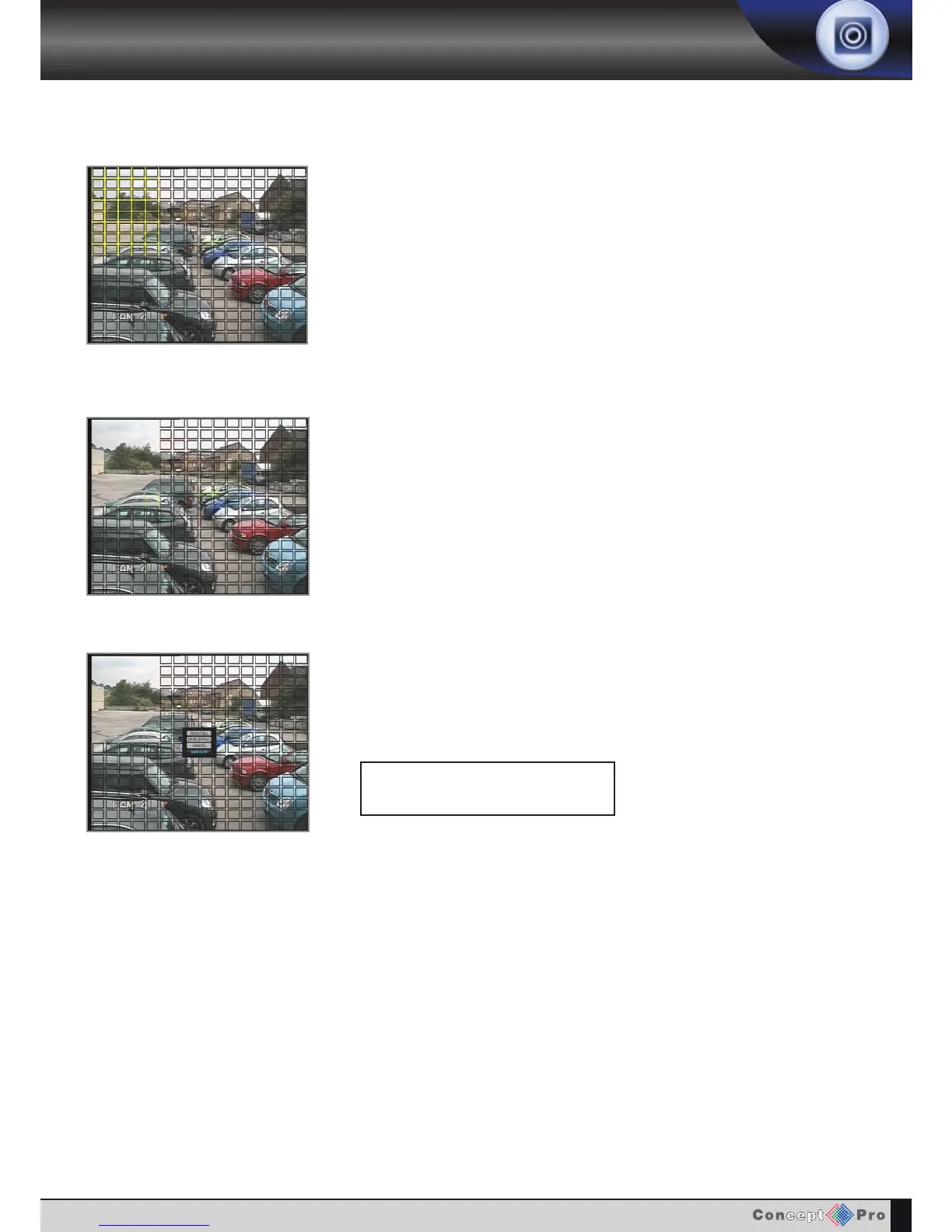
Press !'% to change from selected to deselected (or vice versa). Repeat the above
sequence as necessary to mask-off or include other areas of the image.
Once the detection area has been defined, press %'(%! and choose SAVE &
EXIT to save the area and return to the motion setup menu.
#;40B4=>C40<>C8>=34C42C8>=A42>A38=6
B2743D;4<DBC143458=438=C74%"%
!(34B2A8143>=?064
Use the (%&"%
,& t
o increase the size of the motion cursor as required.



 To Next Page