% "'!'#,"!'%"&
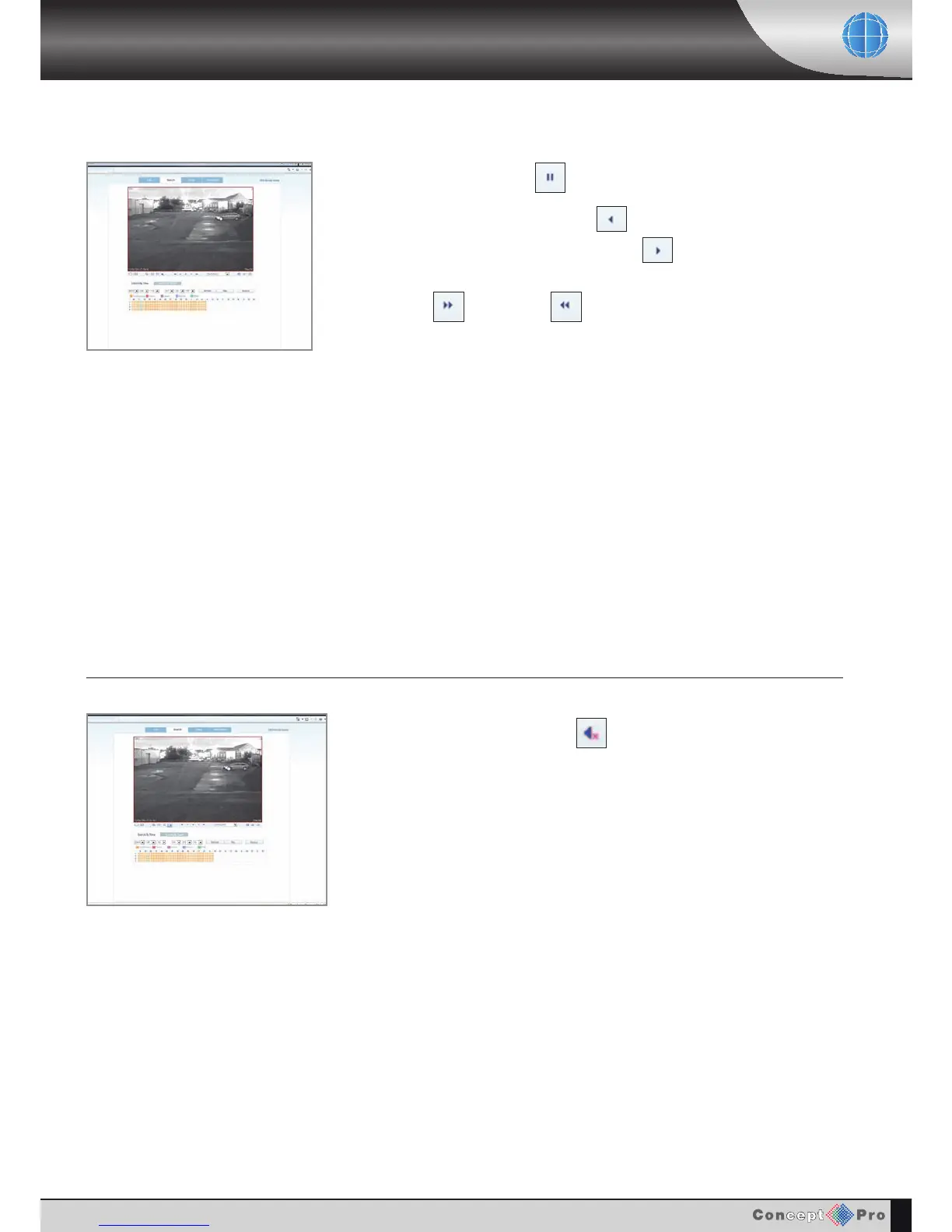
During playback at anytime click to pause the footage. Click again to resume playback.
Footage can be played in reverse by clicking
Then to return playing back the footage normally click
Fast Forward and Rewind can be clicked to speed up playback.
CONTROLLING PLAYBACK
AUDIO MONITORING
During playback click the (" button to toggle audio on or off.
Please note: Audio can only be heard when a single channel view is displayed.



 To Next Page