(&!'% "'!'
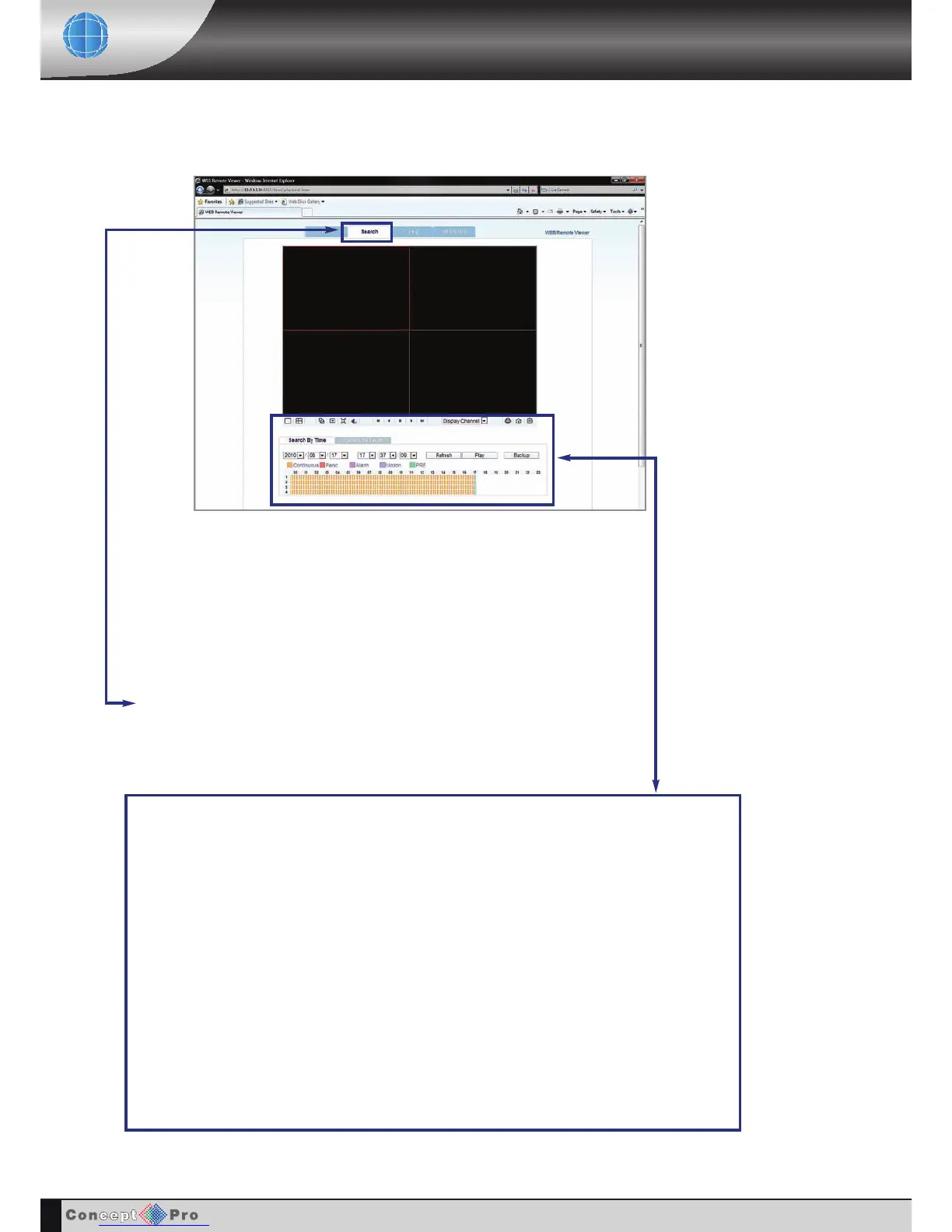
The timeline at the bottom of the display shows a graphical overview of recorded footage for a particular
day.
Different colour blocks represent different types of recording.
ORANGE: Continuous
PINK: Panic
PURPLE: Alarm
BLUE: Motion
CYAN: PRE
DATE: Choose the required date by selection drop down box and select the date required.
TIME: Either use the same method again to select the time or drag the blue time b
ar along the timeline.
When sliding this time bar you will notice the time changes in the boxes above.
Click PLAY to begin playback from the selected date and time.
Click the search tab to switch to search mode.
REMOTE CLIENT PLAYBACK



 To Next Page