% "')+&'(#
Only authorised users or ADMIN users can configure a VXH264 remotely. With the exception of
network settings and certain display options, any of the VXH264 settings can be changed.
ENTERING SETUP
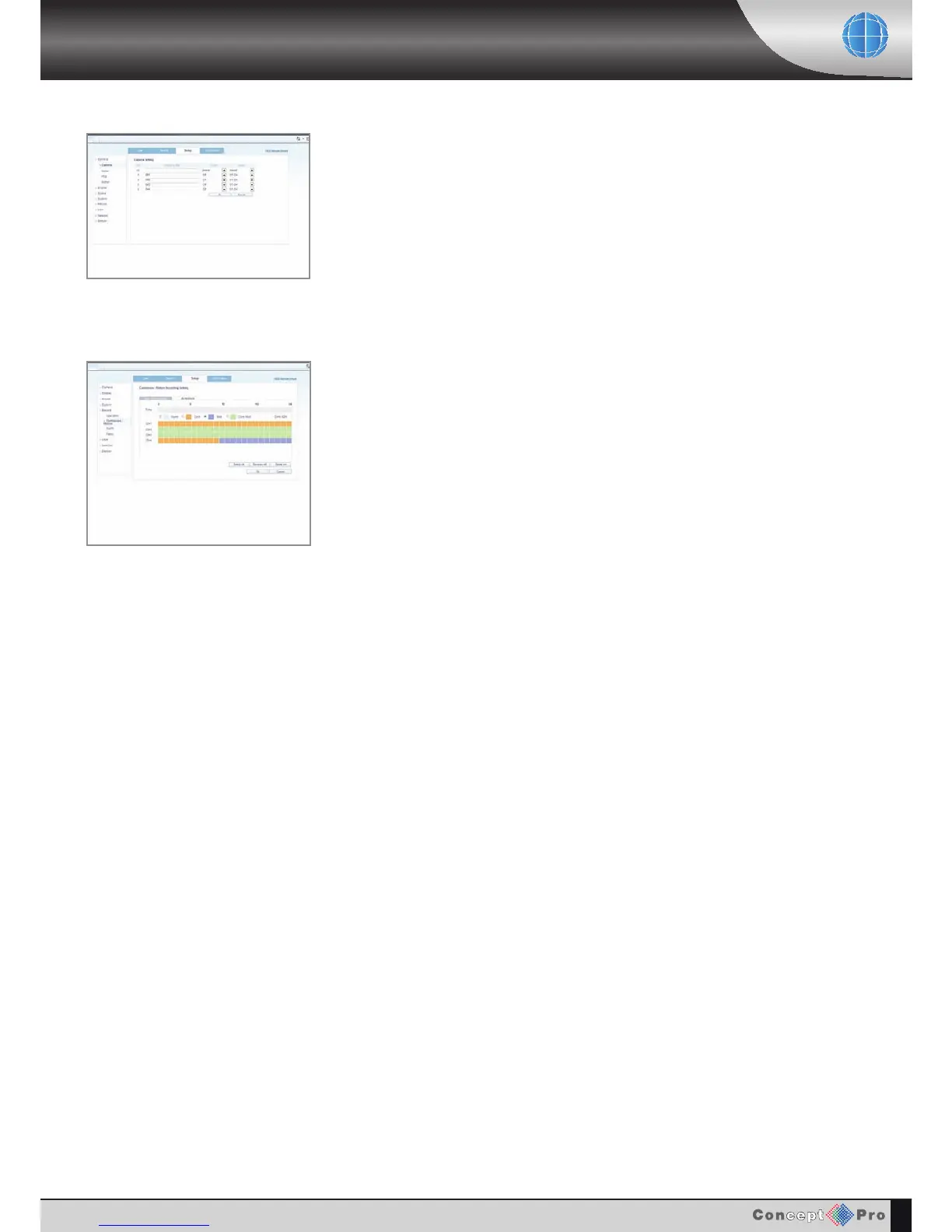
Click the &'(# tab to switch to the setup menu.
The remote setup screen is displayed and the VXH264 settings can be changed as necessary
using the main menu selection on the left hand side.
Click OK to save all changes made to each main menu page.
A
completed message appears to confirm the changes have been made.
Any changes made will take effect immediately.



 To Next Page