(&!'% "'!'
PTZ
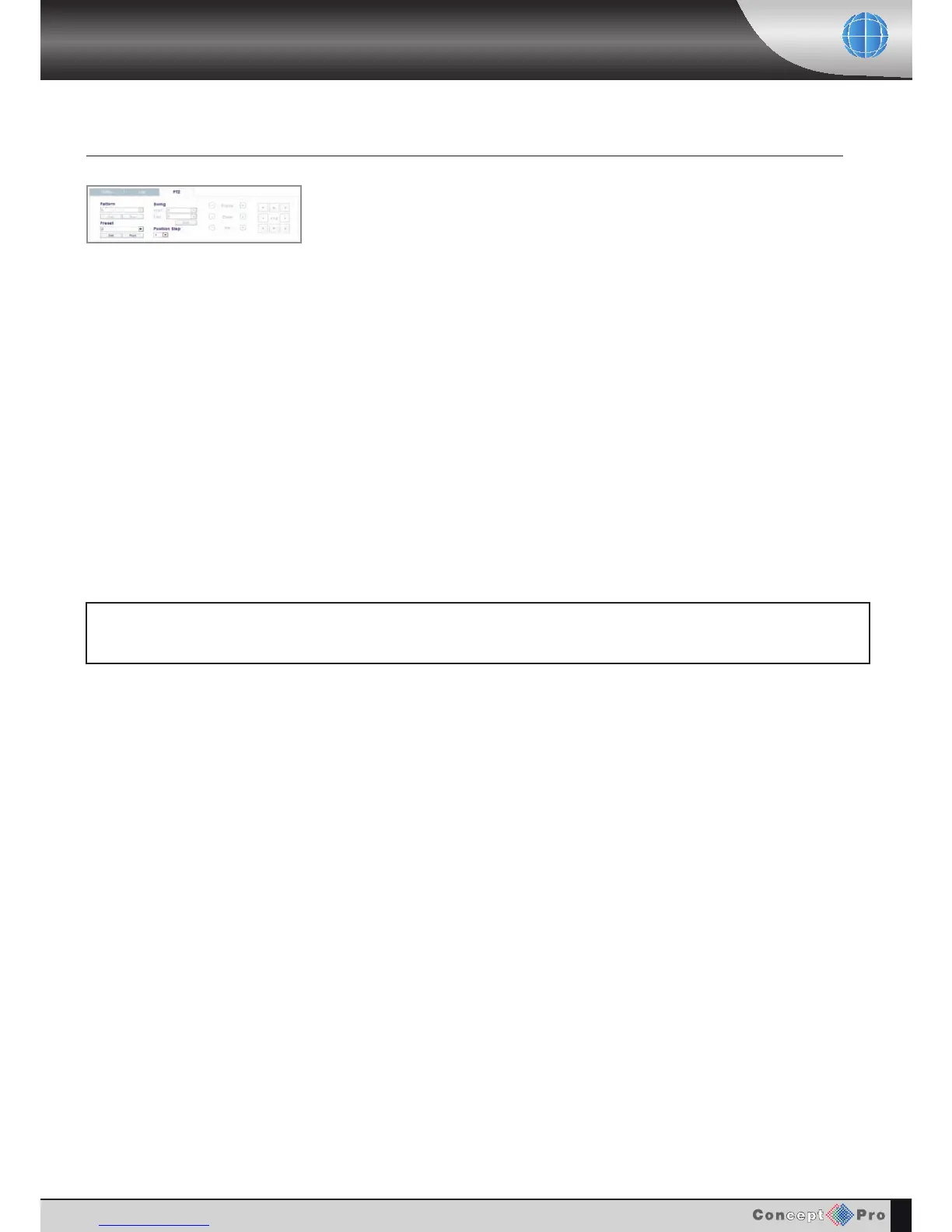
Internet explorer allows all telemetry control of devices connected to the VXH264, provided that the
correct user authority has been set-up.
Click the appropriate channel and use the on screen directional buttons to control pan & tilt
movements. Use the - / + keys next to the Focus, Zoom and Iris buttons to control these functions
if available on the camera.
PRESETS
Presets can be programmed and called remotely using the SET
and RUN buttons.
Example: To start pattern tour 1 running on a VHSD-770EXT speed dome, select preset 131 from
the drop down list and click RUN.
Example: To program preset position 85, position the speed dome using the TELEMETRY controls,
select preset 85 and click SET.
'4;4<4CAH2>=CA>;0;B>0;;>FBA4<>C4B4CD?>5<0=HC4;4<4CAH34E824B>A4G0<?;4C>0224BBC74B4CD?<4=D>5C74)&+'
B?4433><4%(!?A4B4C0=3C74=DB4C74C4;4<4CAH38A42C8>=0=35>2DBC>4=C4A0=3JC>4G8C2>=CA>;BC>=0E860C4C74B?443
3><4<4=D



 To Next Page