ENGLISH
31
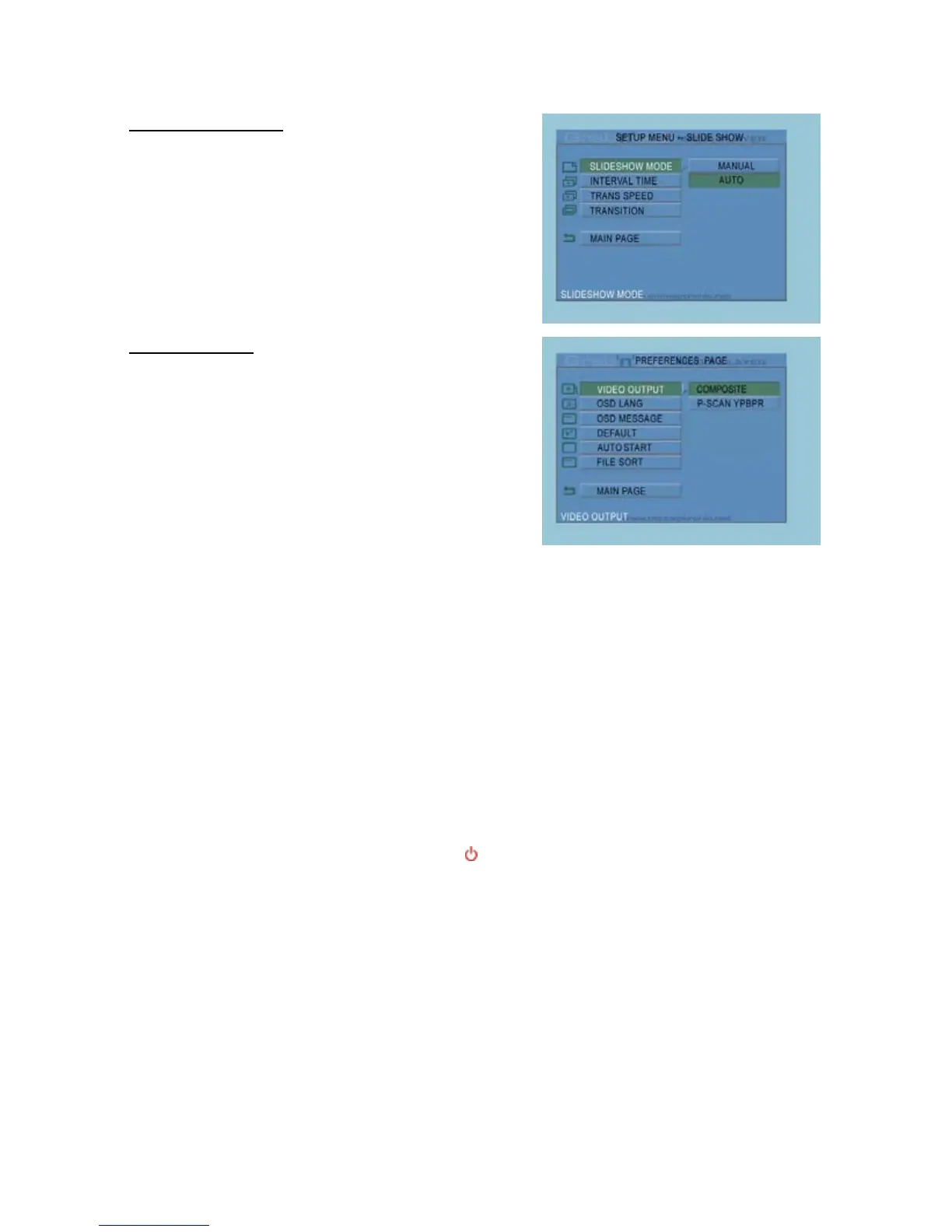
Slideshow Setup Page
Slideshow Mode : Automatic or manual Slideshow.
Interval Time : Set the default interval time for the
slideshow.
Trans Speed : Set the default transition speed.
Transition : Set the default transition for the
slideshow.
Main Page : Return to the Setup Menu.
Preferences Page
Video Output : Set the default video output signal.
OSD Lang : Select a language for the
CMED2PRO.
OSD Message : Show or hide OSD Messages.
Default : Reset to factory default settings.
Auto Start : Auto start playback after starting
the CMED2PRO.
File Sort : Select how the files will be sorted
on the CMED2PRO.
Main Page : Return to the Setup Menu.
7. Tips & Troubleshooting
Use the tips below for troubleshooting when your CMED2PRO is not working properly:
The Power LED doesn’t light up
x The power supply is not connected to the CMED2PRO. Reconnect the power supply to the
CMED2PRO.
There is no activity on the display.
x The CMED2PRO is in standby state. Press the button on the remote control to activate it.
x The Wrong input source on your TV is selected. Change the input source.
x The Wrong video system selected. Press the OUTPUT button on your remote control to switch video
system.
x The Video cable is not connected properly. Check if the Video Cable is connected correctly.



 To Next Page