DEUTSCH
63
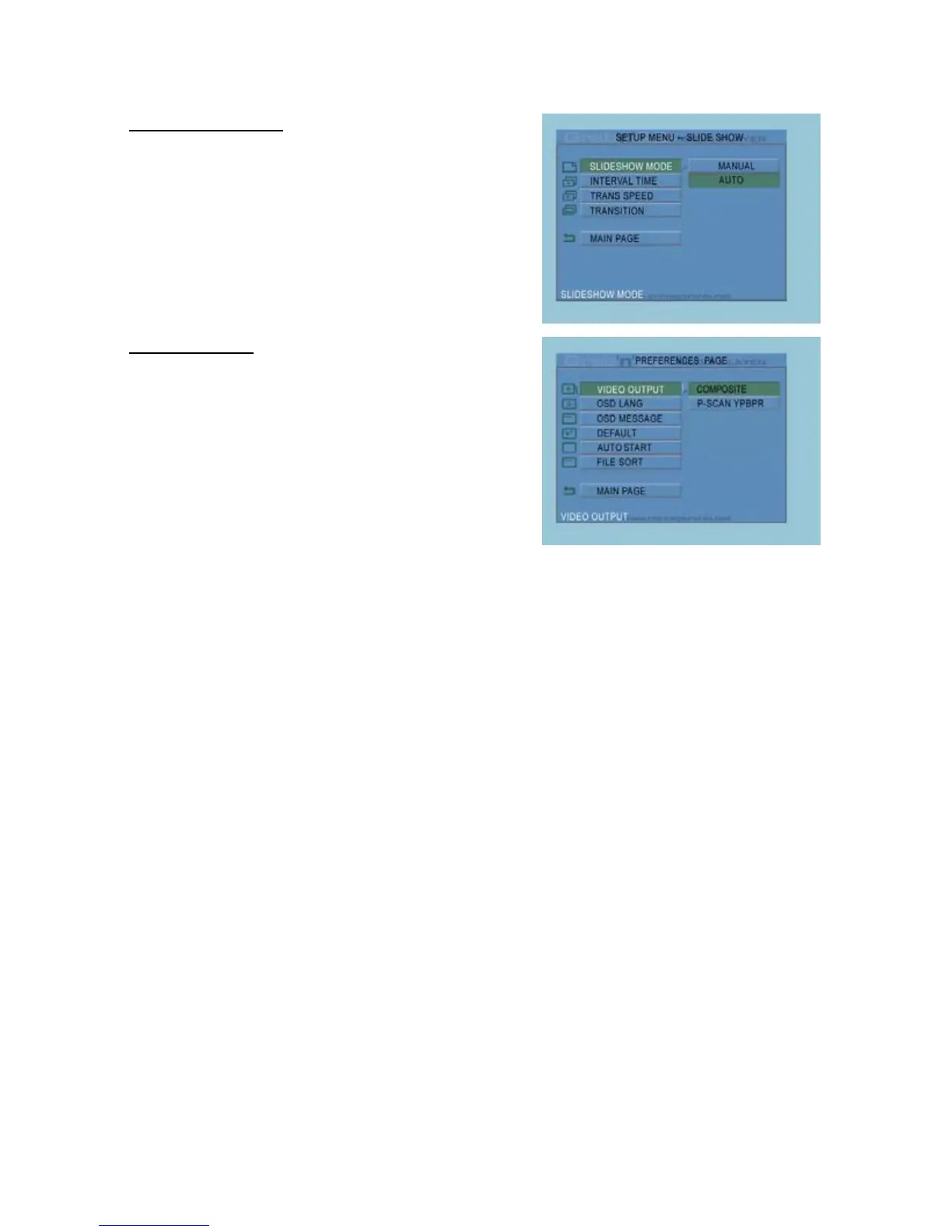
Slideshow Setup Page
Slideshow Mode : Automatic or manual Slideshow.
Interval Time : Set the default interval time for the
slideshow.
Trans Speed : Set the default transition speed.
Transition : Set the default transition for the
slideshow.
Main Page : Return to the Setup Menu.
Preferences Page
Video Output : Set the default video output signal.
OSD Lang : Select a language for the
CMED2PRO.
OSD Message : Show or hide OSD Messages.
Default : Reset to factory default settings.
Auto Start : Auto start playback after starting
the CMED2PRO.
File Sort : Select how the files will be sorted
on the CMED2PRO.
Main Page : Return to the Setup Menu.



 To Next Page