3
2.0
P
owerPro
ATTACHMENT
OPERATION
PowerPro
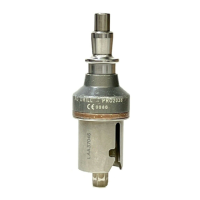
attachments, which are interchange-
able between the battery operated and electric
PowerPro
handpieces, and are color coded by
function for easy identification, consist of the
following:
• AO Drill (PRO2070)
• AO Reamer (PRO2040)
• Reciprocating Saw (PRO2045)
• 1/8” Keyless Chuck (PRO2050)
• 1/4” Keyless Chuck (PRO2250)
• Aesculap Reamer (PRO2060)
• Zimmer/Hudson Reamer (PRO2047)
• Zimmer/Hudson Drill (PRO2046)
• Sagittal Saw (PRO2043)
• 5/32” Jacobs Chuck (PRO2030)
• 1/4” Jacobs Chuck (PRO2041)
• 1/4” High Torque Jacobs Chuck (PRO2042)
• Trinkle/AO (PRO2029)
• AO Attachment - Small (PRO2038)
• Radiolucent Drive Adapter Attachment
(PRO2514)
• 3/8” Keyless Chuck Attachment (PRO2375)
• Wire Driver for Battery Handpieces
(PRO5028)
• Pin Driver for Battery Handpieces
(PRO5032)
2.1 Connecting and Removing
Attachments
All attachments for the
PowerPro
handpieces
connect/disconnect in the same manner.
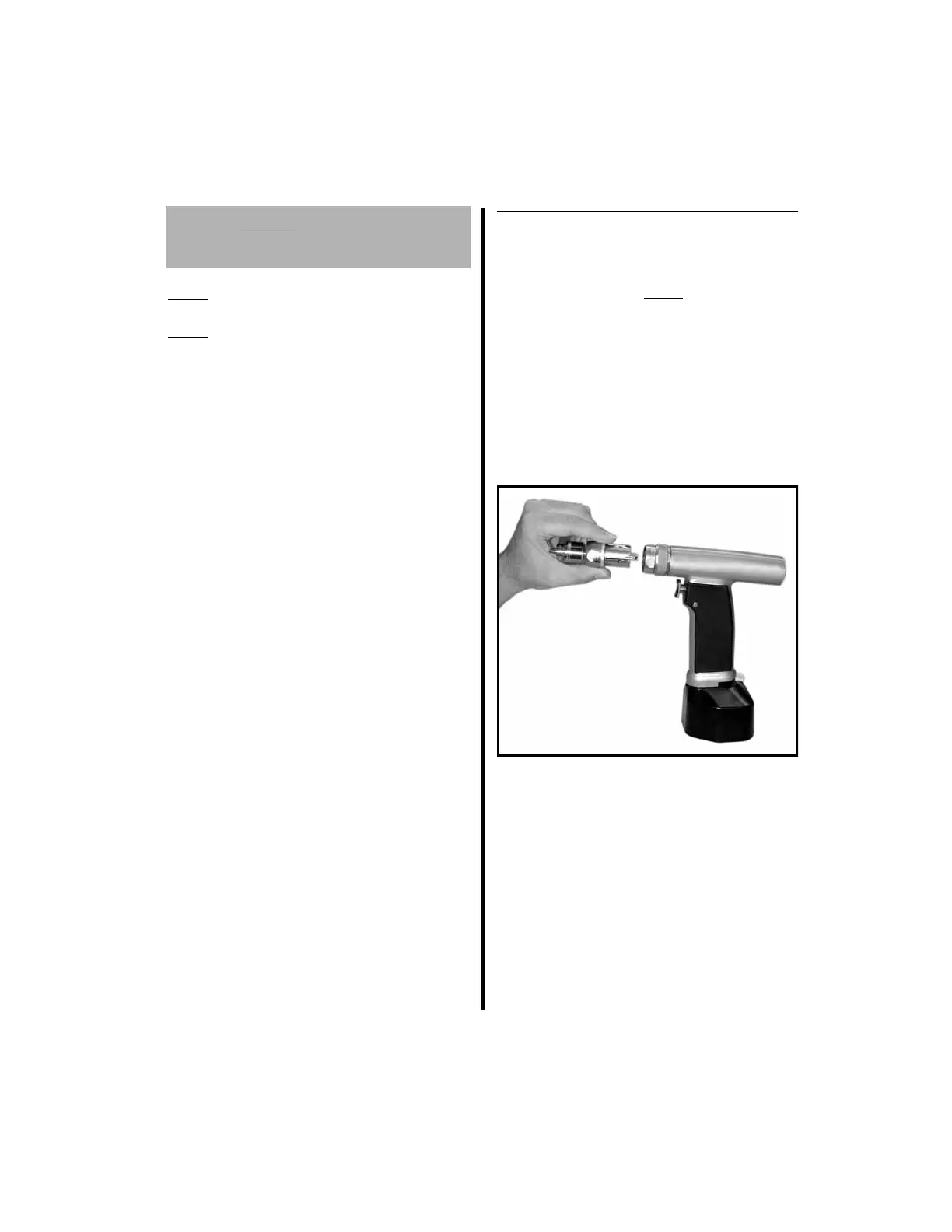
1. To connect an attachment:
(a) Place the handpiece in the safe posi-
tion.
(b) Orient the attachment shaft with the
handpiece opening. Insert the shaft and
press them until they snap together.
2. To disconnect an attachment twist the
attachment collet-lock in the direction of
the arrow. Remove the attachment.



 To Next Page