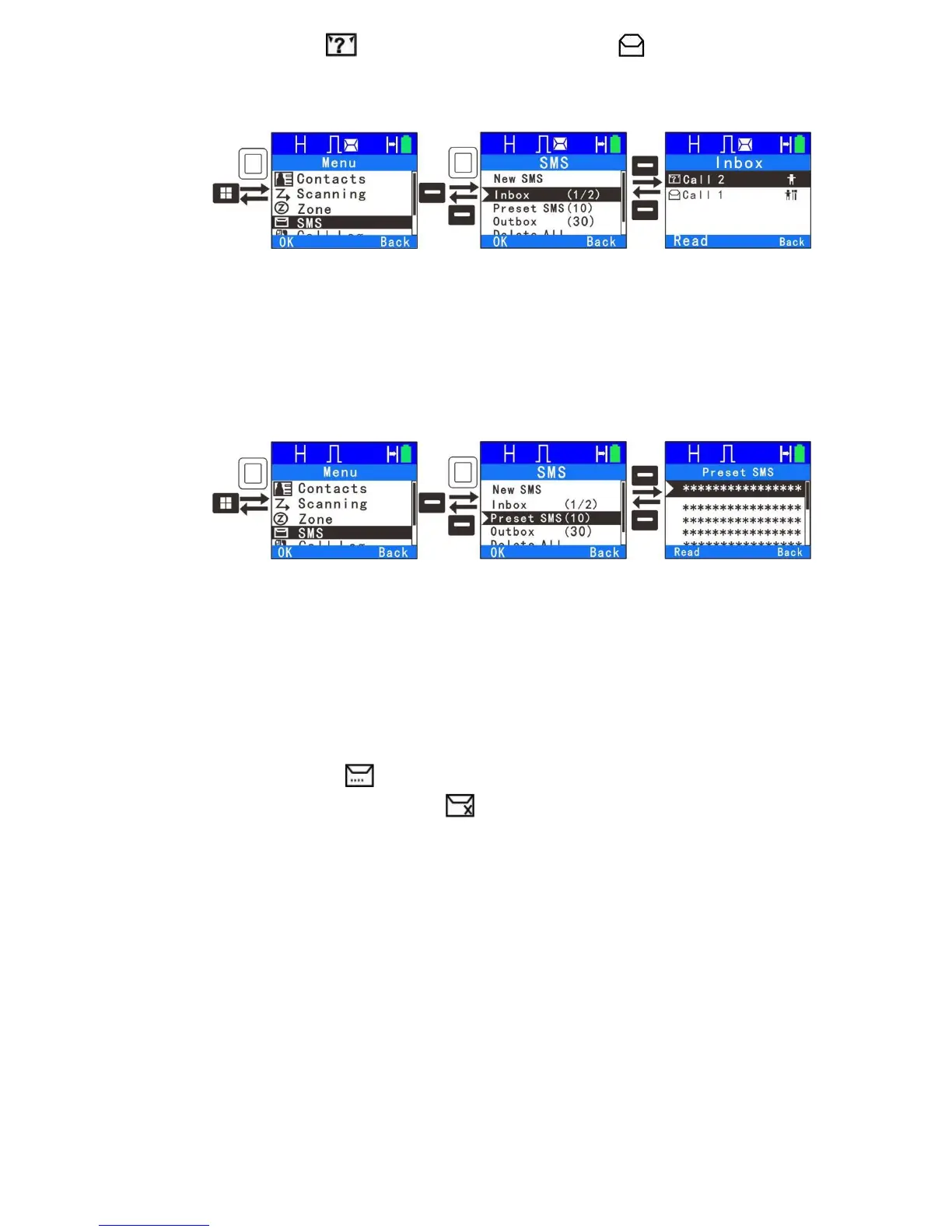
The Inbox can save up to 30 received messages. In the Inbox the unread
message displays: and the read message displays: . For each
message, you can choose to perform any of these operations: Reply, Forward
and Delete.
3.
Preset SMS
Via programming software, the user can save up to 10 text message entries
and each message can contain up to 140 characters. You can choose to edit
and send any entry.
Note: Preset text messages also can also be assign to one touch call.
Press the programmed key to send the message.
4.
Outbox
With the outbox menu, you can view if the message was sent successfully or
failed. The outbox can save up to 30 sent messages. If the sent message is
successful it displays and you can choose to forward or delete it. If sent
message unsuccessful, it displays ,and you can choose to resend,
forward or delete message.
25



 To Next Page