Installation of Accessories
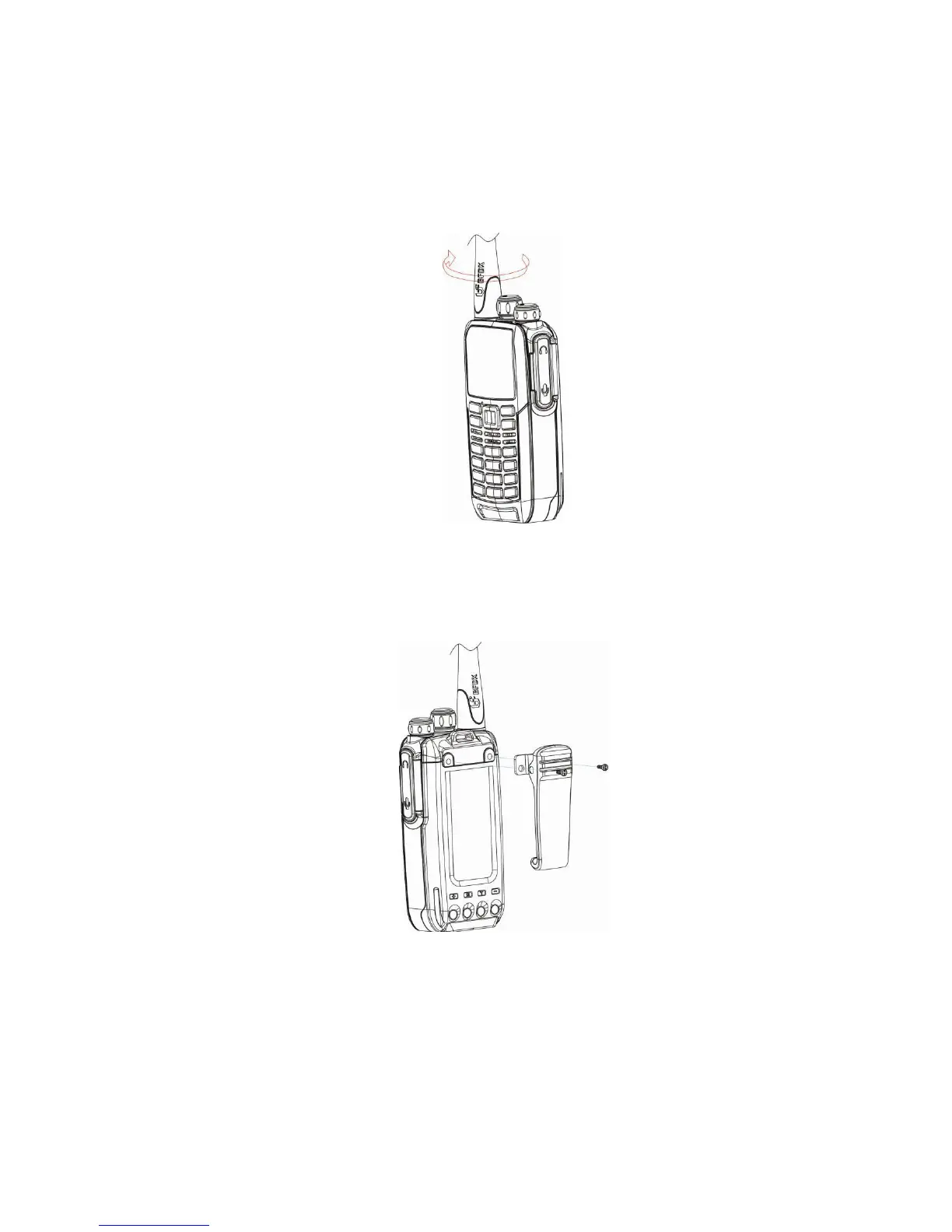
Installation or removing the antenna
Hold the supplied antenna by its base, then screw it clockwise into the connector
on the top panel of the radio until firmly seated. Turn the antenna counter-
clockwise to remove it.
Installation or removing the belt clip
Attach the belt clip using the two supplied binding screws. Remove the belt clip
by removing the two binding screws holding the belt clip to the body of the radio.



 To Next Page