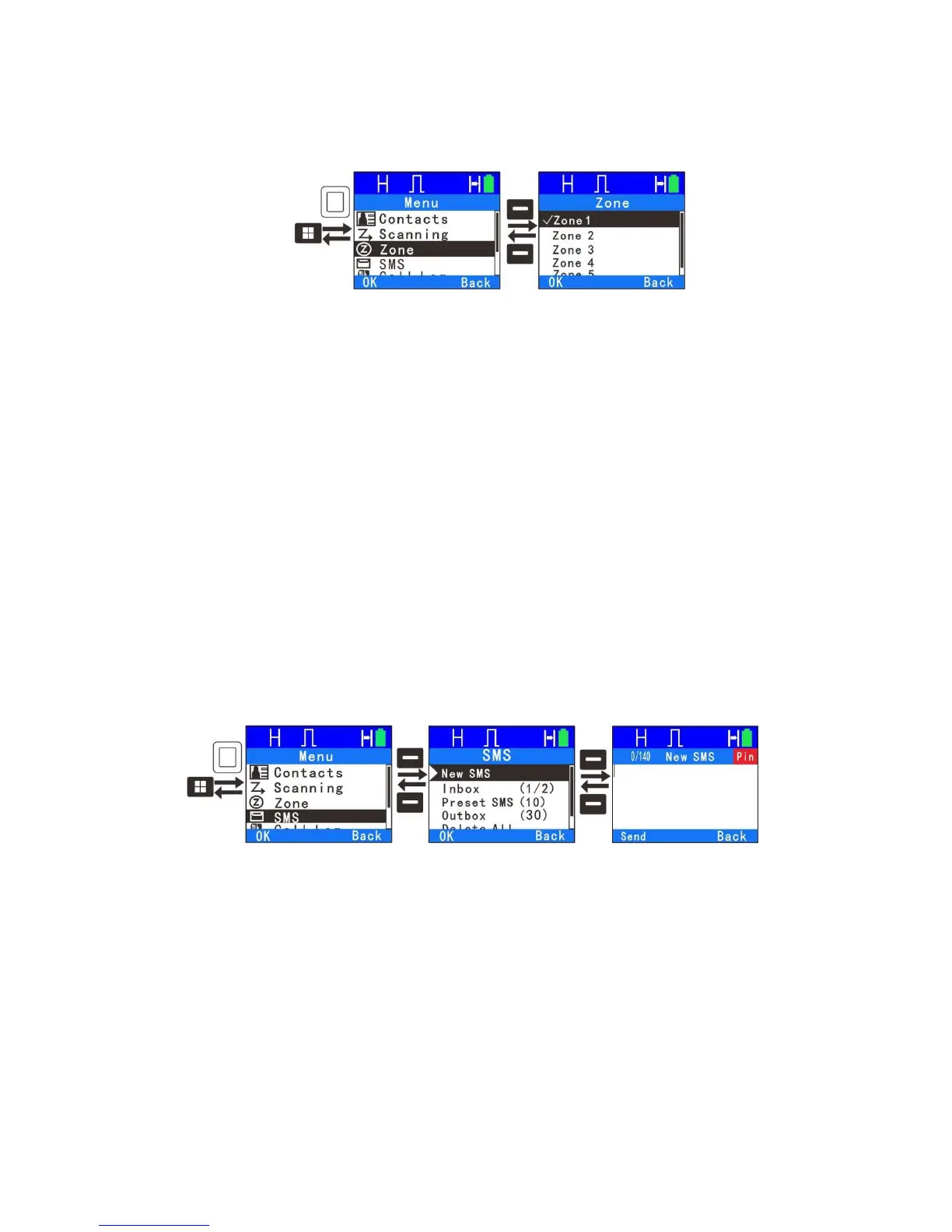
Zone
The radio supports up to 64 zones and each zone supports 16 channels giving
a total of 1024 channel. Enter “Zone” menu to select a desired zone.
Messages
1.
New SMS
You can edit desired text message (140 characters at most) and send it to a
private call contact or a group call contact. When editing the name, press”*” key
to delete, press “#1” to enter special characters, press “#0” to enter a space
and use the rest of the keys to enter the alphanumeric characters. Press left or
right key to move input cursor. After the message is edited, you can select a
contact from the address list which the message is sent to or manually dial a
number to send to.
2.
Inbox
24



 To Next Page