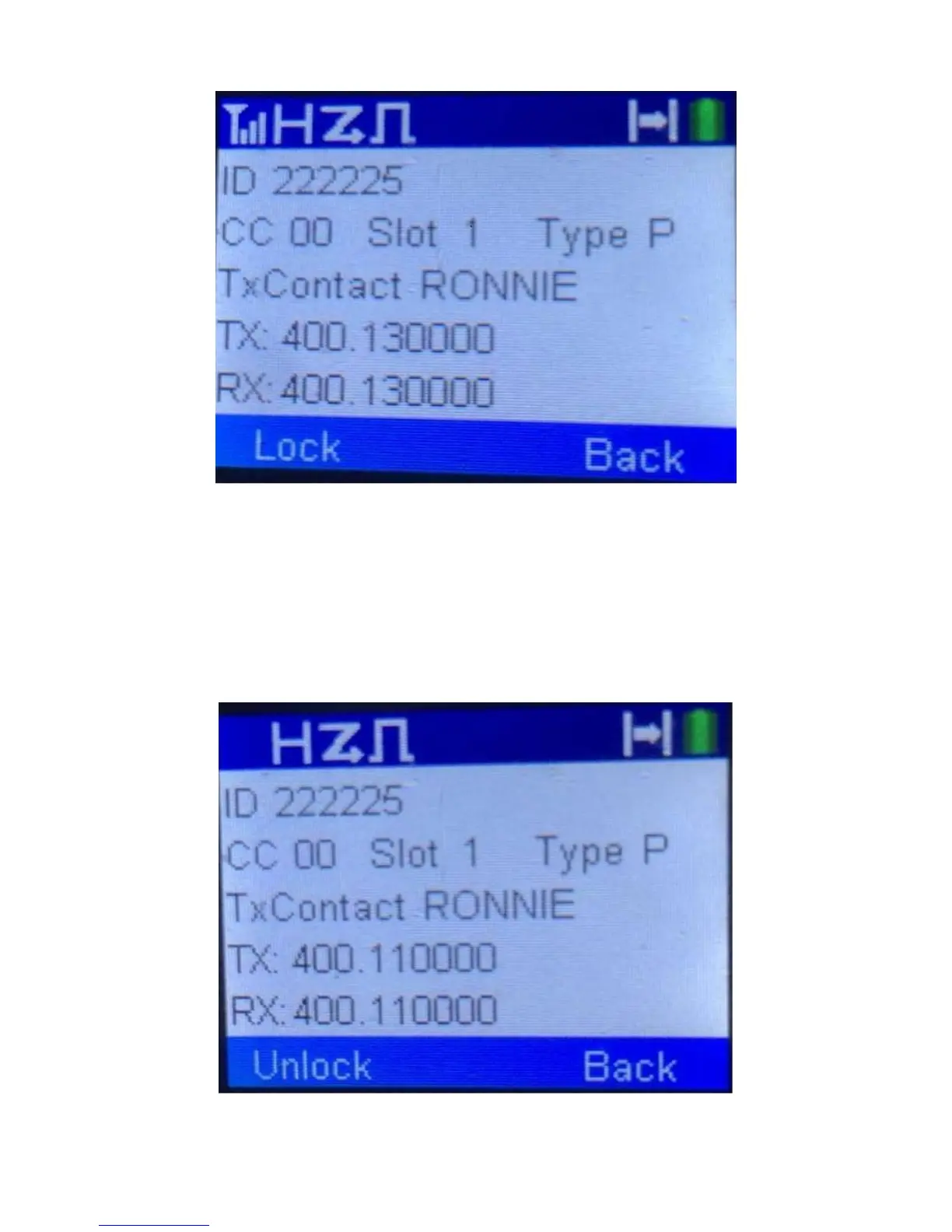
When it gets to an active channel, the display will show as follows for a digital signal.
To lock in that information, press the lock soft key just below the lock prompt on the
display. This will now allow you to quickly get on the air by just pressing the PTT key. The
Tx frequency is determined by the Rx to Tx Offset parameter in the CPS.
Once the Lock key is pressed, the following screen will appear.
To scan to the next frequency, press the Unlock softkey.



 To Next Page