16
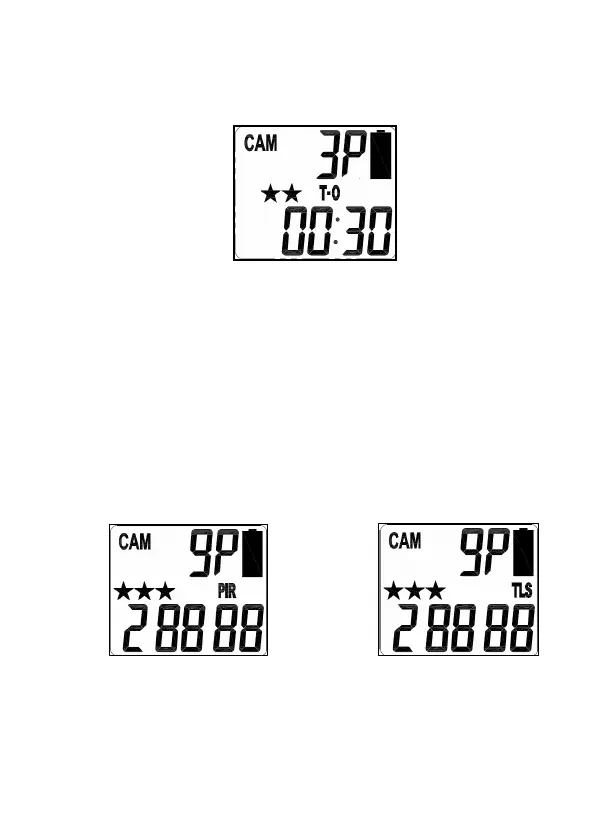
• PSET - This bypasses all user defined settings and uses the
following settings: (PIR mode / Resolution: 3MP / Burst:
3P / Time out: 30 seconds).
Program
HUNTING CAMERA
using CAM mode
Setting the CAM Operation Mode:
Your
HUNTING CAMERA
can be programmed to operation either in
PIR Detection mode or Time Lapse / PIR mode.
• Slide the switch to the CAM position.
• LCD display will show the camera status screen.
• Press the [M] button once within 30 seconds to enter the
programming mode, the word PIR or TLS will be blinking.
• Press the [UP] or [DN] button to select PIR mode.
• Press [OK] to save your selection.
• Press [M] button to exit.


 To Next Page