CHAPTER 6 – B
I
O
S
S
et
u
p
SPI-6941-LV 55
6
.
1
.
3
A
d
v
an
c
ed
BIOS F
ea
t
u
r
e
s
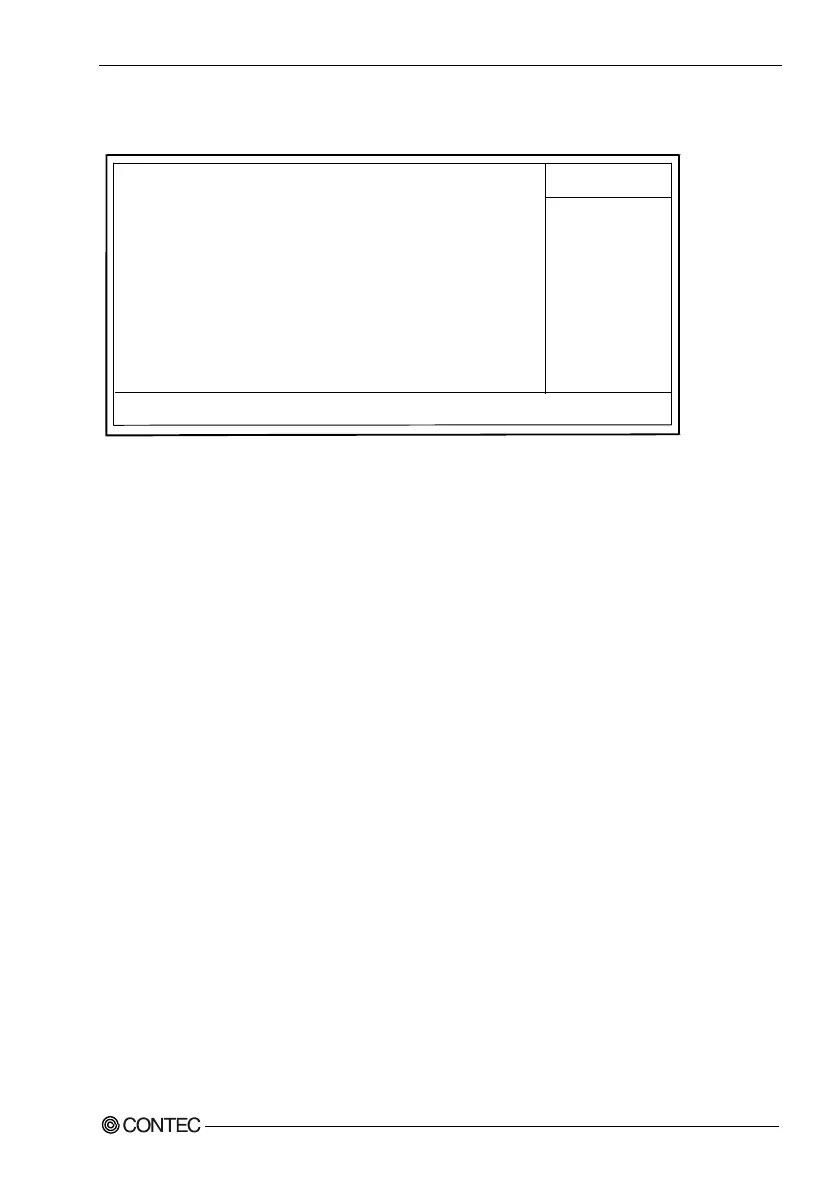
Virus Warning [Disabled]
Quick Power On Self Test [Enabled]
First Boot Device [Floppy]
Second Boot Device [HDD-0]
Third Boot Device [Disabled]
Swap Floppy Drive [Disabled]
Boot Up Floppy Seek [Enabled]
Boot Up NumLock Status [On]
Typematic Rate Setting [Disabled]
+Typematic Rate(Chars/Sec) 6
+Typematic Delay(Msec) 250
Security Option [Setup]
HDD S.M.A.R.T. Capability [Disabled]
Phoenix - Award BIOS CMOS Setup Utility
Advanced BIOS Features
Item Help
(General key operation help)
V
i
r
u
s W
a
r
n
i
ng
If an attempt is made to write to the boot sector with this item set to [Enabled] , the BIOS
displays the warning message to that effect. Note that installing any OS involves write access
to the boot sector.
The choice: Enabled / Disabled
Quick Power On Self Test
This setting allows a faster power-on self test (POST) to be performed when the computer is
turned on. If this option is enabled, the BIOS shortens or skips some of the checks performed
by the POST.
The choice: Enabled/Disabled.
F
i
r
st B
oo
t
D
e
v
i
c
e
S
e
c
ond
B
oo
t
D
e
v
i
c
e
T
h
i
r
d
B
oo
t
D
e
v
i
c
e
Set the order of devices to be searched for the OS to be booted. When you boot the system from
a CD-ROM to install an OS, for example, set “First Boot Device” to [CDROM].
The choice: Floppy / HDD-0 / SCSI / CDROM / Disabled



 To Next Page