Rev:03/21
© 2021 Continal Group Ltd. All rights reserved. E & OE.
UNDERFLOOR HEATING
3. Button description
4. Compatibility with other Continal devices:
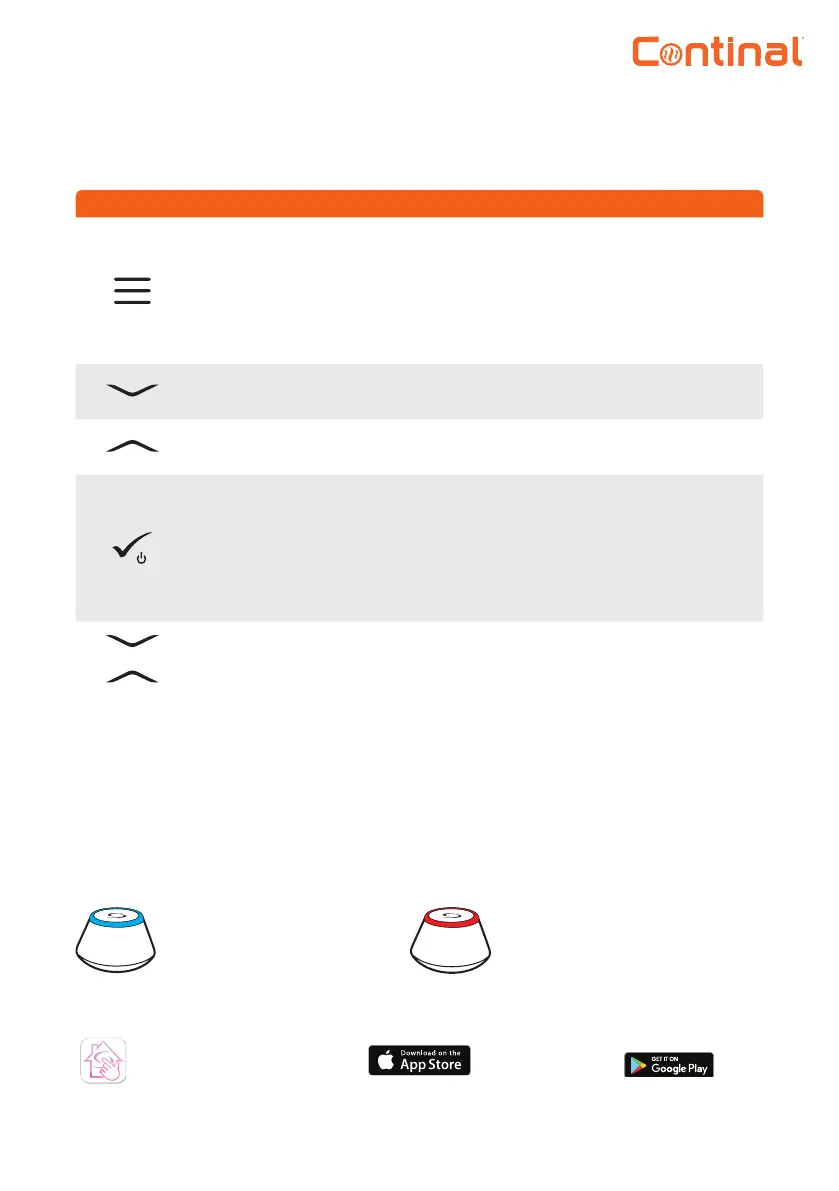
Button Function
1) Menu button / return button.
2) In the main screen: press and hold for 3 seconds to change the thermostat
operating mode (schedule mode / permanent mode / temporary override mode).
3) In the settings screen: press and hold for 3 seconds to go back without saving the
changes.
4) In the pairing screen (in system type menu): press and hold for 3 seconds to see
other pairing options.
“Down” button (decrease value / move the menu in the ‘down’ direction).
“Up” button (increase value / move the menu in the ‘up’ direction).
1) Press and hold for 3 seconds to power up.
2) “Ok / tick” button (conrm parameter value / go to the next menu / save settings).
3) Main screen: press and hold for 3 seconds to enter standby mode.
4) Settings screen: press and hold for 3 seconds to go back to the main screen & save all
your changes.
5) During pairing process – hold button for 3 seconds to power o or reboot the
thermostat.
+
In the main screen - press and hold these buttons together for 3 seconds to lock /
unlock the thermostat keypad).
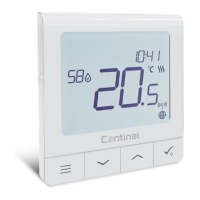
The Quantum digital thermostat-RF can work in online or oine mode.
*Mode selection is available on rst use.
Download the Salus Smart Home app on your iOS or Android device.
Salus Smart
Home app
Online mode
Offline mode
Quantum hub connected.
You can congure and use all
your devices in the Salus Smart
Home app.
Quantum hub not connected.
You can use your devices locally.
This works using the ZigBee
network.


 To Next Page