EN-20
2. Picture
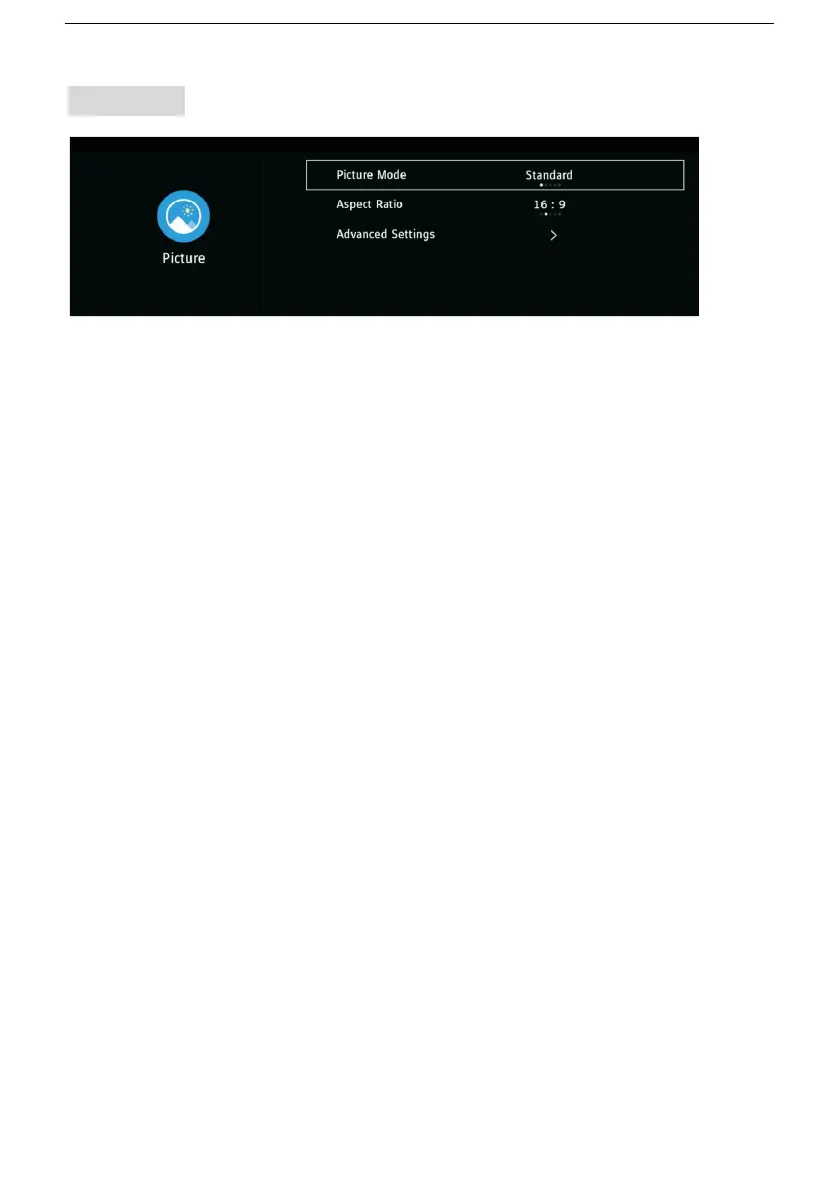
2.1 Picture Mode
- Press the LEFT/RIGHT navigation buttons to select an option.
Picture Mode: available options: Standard, User, Mild, Dynamic, Vivid,
Eco.
Note: When Picture Mode is User, you can see and adjust Brightness,
Contrast, Colour, Tint, Sharpness and Backlight.(Tint is only for NTSC
system.)
2.2 Aspect Ratio
This item is used to adjust the video size.
Available options: Auto, 4:3, 16:9, Zoom1, Zoom2.
Note: The available video size may be different for different input source.
2.3 Advanced Settings
OverScan: turn on/off OverScan.
Colur Temp: adjust the optimum color temperature for suitable viewing
(Normal, Warm, Cool).
Dynamic Contrast: select dynamic contrast level (Off, Low, High).
Noise Reduction: select noise reduction level (Off, Low, Medium, High).


 To Next Page