EN-24
5.5 OSD Timer
- Select a desired OSD menu duration.
Available options: Never, 10/20/30/60 seconds.
5.6 Auto Standby
- Select a desired Auto Sleep (standby) duration when no operations are
done through the remote control.
Available options: Off, 3/4/5 hours.
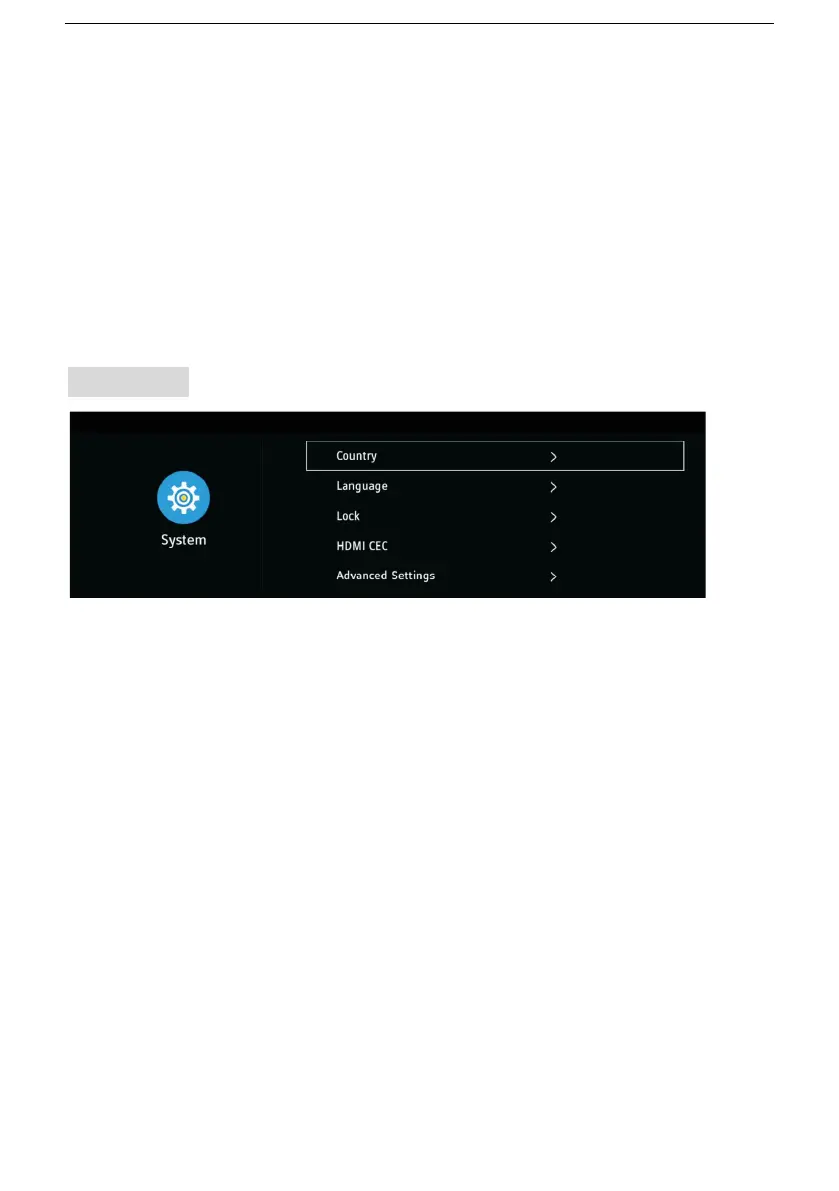
6. System
6.1 Country
- Select the country you are living in.
6.2 Language
- Select the OSD menu language, Audio and Subtitle languages.
6.3 Lock
- Input the factory default password “1417” using number buttons on
remote control.
- Then highlight “OK” on screen and press OK to enter it.
Note: If you forget the password, please use the universal password
“8899”.



 To Next Page