EN-34
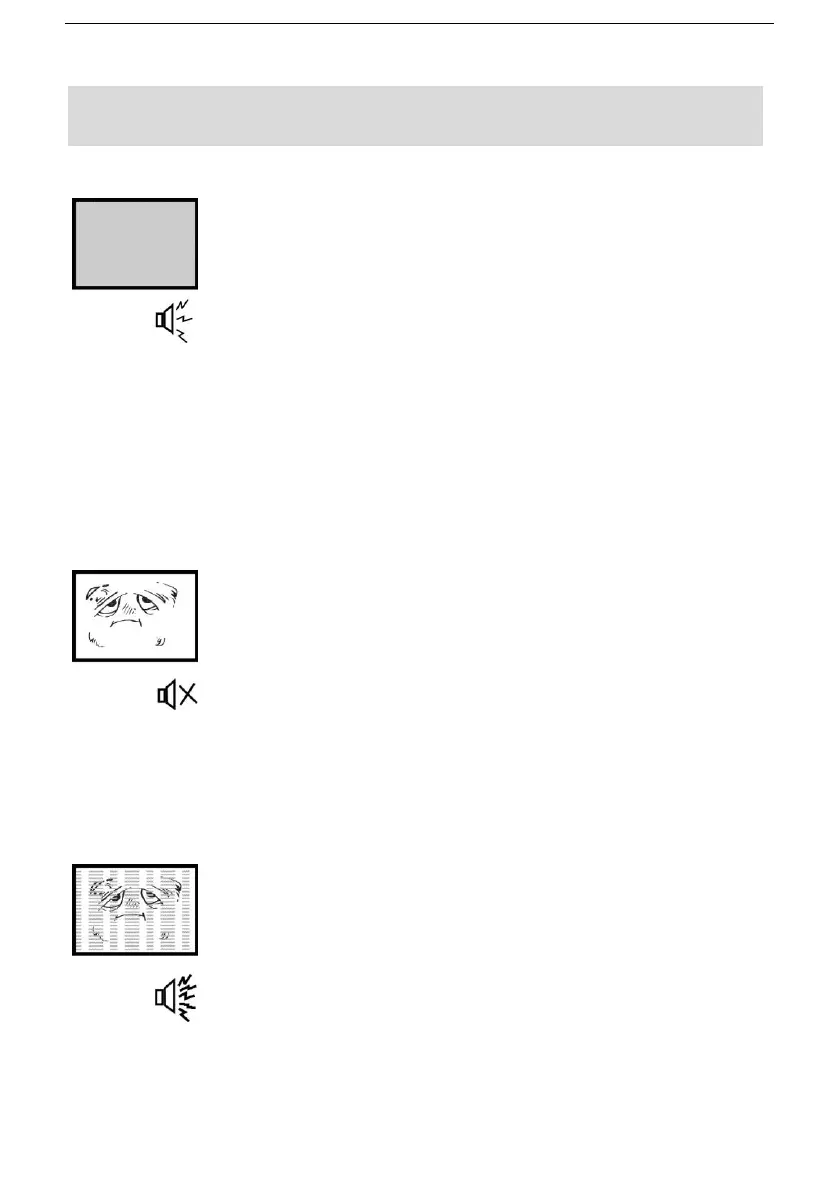
No image and voice
Possible causes:
● Power cord, antenna or input devices are not
connected;
● The TV set is not powered on.
Solutions:
● Check Power cord, antenna and input devices;
● Press Power key on the remote control;
● Press Power key on the set to power it off for 5
seconds and then re-power it on.
No voice
Possible causes:
● The volume is too low; Muted or cancelled;
● Incorrect sound system.
Solutions:
● Press Volume key to turn up the volume;
● Press Mute key to cancel Mute mode.
● Well connect connection to the background sound;
● Change the sound system in the menu.
Snows and noises
Possible causes:
● The cable is damaged or gets loose;
● Incorrect channel preset;
● Improper antenna positioning.
Solutions:
● Check whether the connection of the antenna cable,
DVD and the cables is correct;
● Reset channels or fine tune the channel;
● Adjust the direction of the antenna.


 To Next Page