– 5 –
Cursor Speed (DPI)
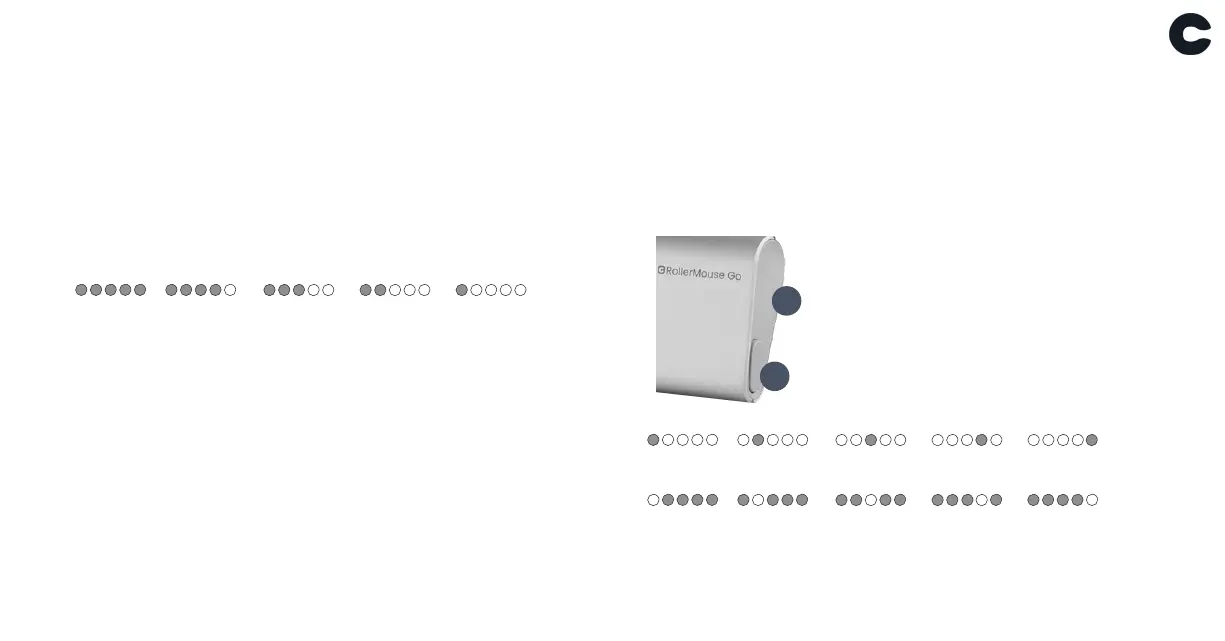
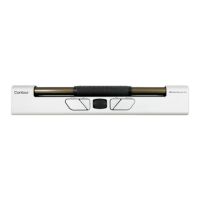
Press the Cursor speed (button I) to cycle through cursor
speeds. There are speed selections which range from slow
(600 DPI) to fast (4000 DPI). Cursor speed level can be
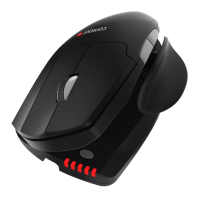
identified by the LED lights (H).
600 DPI
800 DPI
1000 DPI 1200 DPI 1600 DPI
2000 DPI
2400 DPI
2800 DPI 3400 DPI 4000 DPI
100%
80% 60% 40%
20%
Battery level
Your RollerMouse has a built-in rechargeable battery and
comes pre-charged. Battery level is shown when the device
is powered on or pluged in.
If the battery level is below 20%, a single light will blink to
indicate the need of charging.
Charging
To charge your RollerMouse remove the USB extender
and dongle from the charging cable. Plug the cable into
the RollerMouse and connect to your computer. Your
RollerMouse will be fully charged in approx. 4 hours. You
may continue to use the RollerMouse as it charges.
I
H


 To Next Page