– 6 –
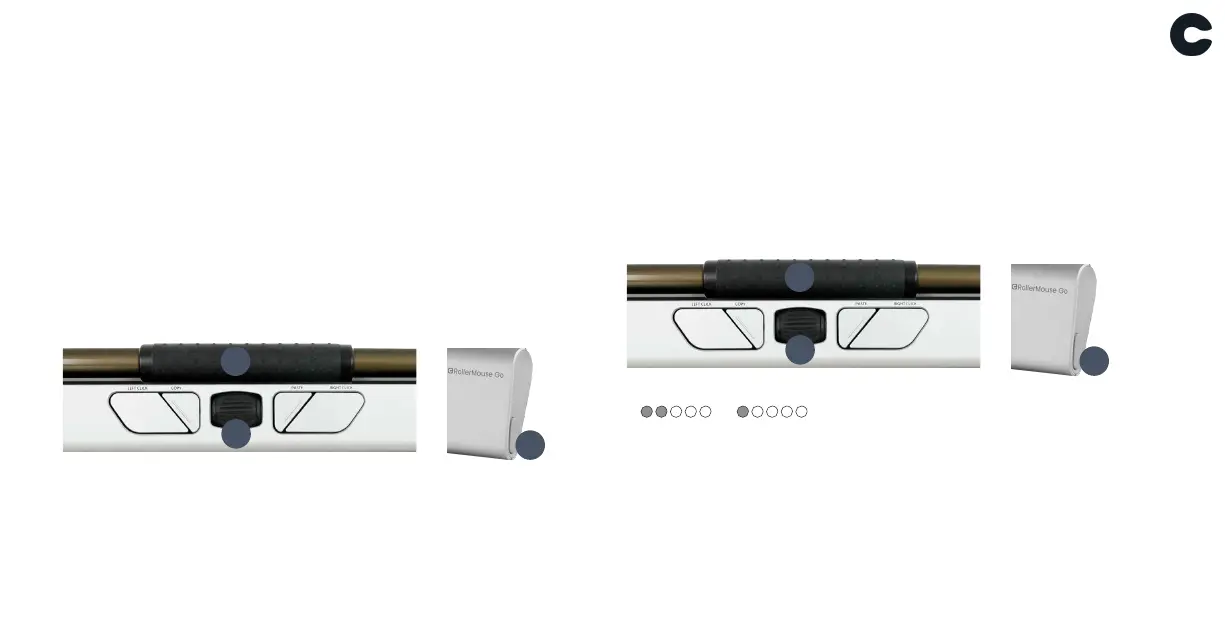
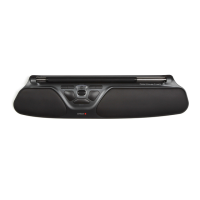
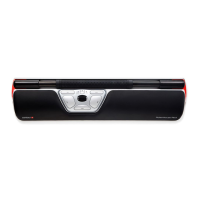
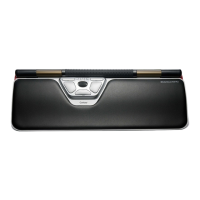
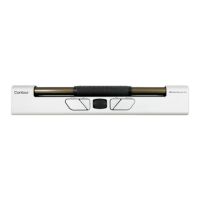
Rollerbar click force adjustment
Click force refers to the level of resistance when clicking
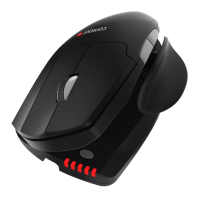
the Rollerbar. To adjust click force, press and hold button I
(Cursor speed) then press and release A (Rollerbar). Move
button F (Scroll wheel) up/down to adjust the click force.
To disable the Rollerbar click function, adjust until all LEDs on
the right side are illuminated.
Rollerbar click sound
To enable or disable the Rollebar click sound , press and hold
button I (Cursor speed) then press and release button G
(Scroll wheel), the LED light will show the current click volume
setting.
A
F
I
A
F
I
Enable
Disable


 To Next Page