– 7 –
1.
2.
3.
Restart Bluetooth pairing:
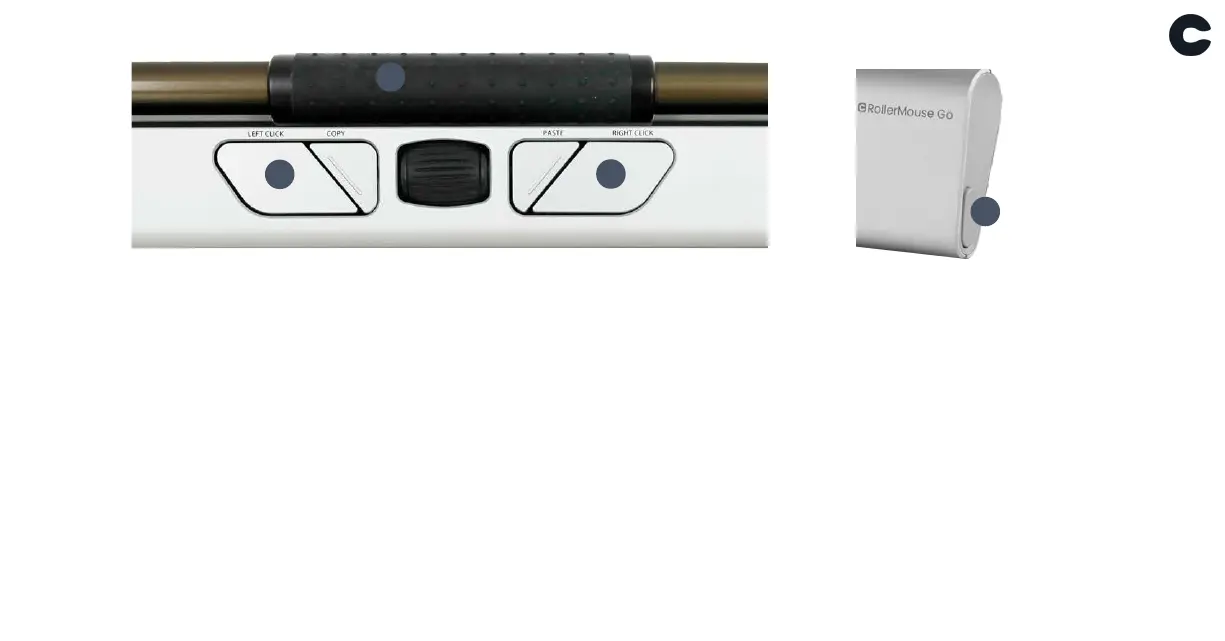
Press button I. While continuing to hold I, press and release
button D two times, then release button I.
Select Bluetooth-only connectivity:
Press button I. While continuing to hold I, press and release
button D three times, then release button I.
Select dongle-only connectivity:
Press button I, while continuing to hold I, press and release
button E three times, then release button I.
Pairing and secondary options
4.
5.
Restore pairing with dongle:
Unplug then re-plug the dongle to the unit to enable pairing.
Hold the device close to dongle and press button I. While
continuing to hold I, press and release button E two times,
then release button I.
Reset wireless function to automatic pairing mode:
Press button I. While continuing to hold I, press and release
button D, then release button I.
When the device is plugged with the USB cable, this connection overrides wireless
connectivity.
Please visit contourdesign.com/BT for further information about Bluetooth.
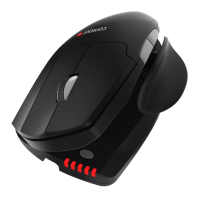
A
D
E
I


 To Next Page