– 8 –
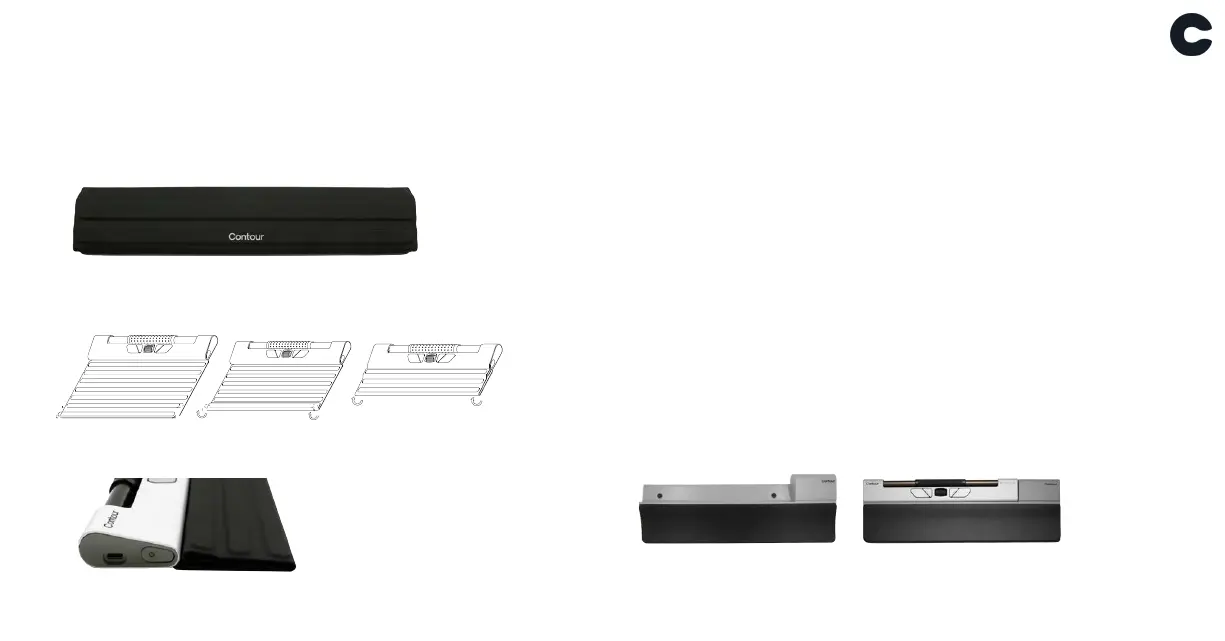
Travel sleeve & Wrist support
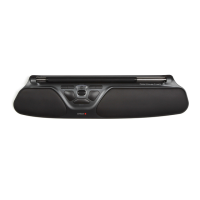
The sleeve can be used during travel to protect your
device from dust and debris.
While attached to the RollerMouse Go, the sleeve can
be folded and used as wrist support.
Rubber feet - keyboard height
RollerMouse Go comes with 2 sets of rubber feets, which
can be adhered to the bottom of your keyboard. For
the optimal positioning, the space bar on the keyboard
should be slightly higher than the Rollerbar.
Another option is to use the sleeve (folded) and put it
under the front edge of your keyboard.
Unfold & attach the
round magnets
Fold first ribbon over
second ribbon
Fold in half & align
to the edge
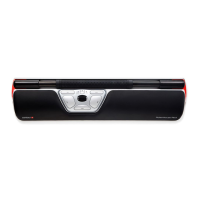
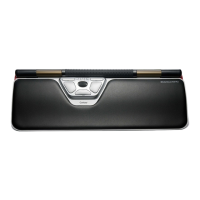
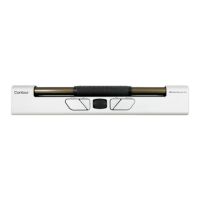
RollerMouse Go Dock
RollerMouse Go Dock (optional equipment) will convert
the RollerMouse Go to a RollerMouse in standard width
for optimized wrist rest support.
The mouse is magnetically attached to the dock, usefull
for the home office and the permanent office desk.
RollerMouse Go Dock
RollerMouse Go + RollerMouse Go Dock


 To Next Page