– 4 –
Quick start
1. Connect via Bluetooth
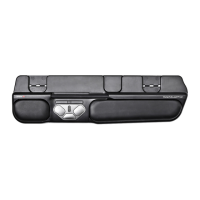
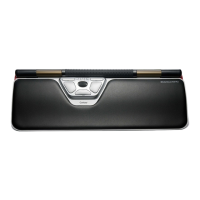
Power on the RollerMouse (button II). On your computer,
navigate to the area of settings regarding Bluetooth
connections. Select the option to add or discover a Bluetooth
device. Your RollerMouse will automatically be recognized,
select it for the computer to start Bluetooth connection.
2. Connect via USB dongle
Insert the USB dongle into an available USB port and power
on your RollerMouse. Your computer will recognize your new
device and connect automatically.
3. Connect via wired USB connection
Connect the USB cable to your RollerMouse and into an
available USB port on your computer. Your computer will
recognize your new device and connect automatically.
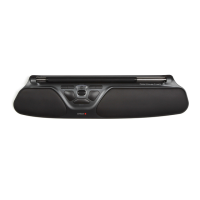
Using the Rollerbar
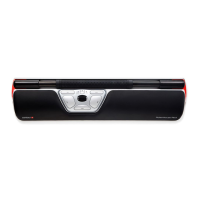
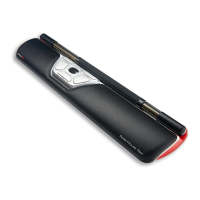
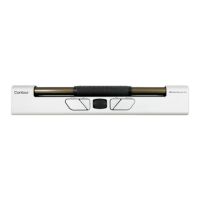
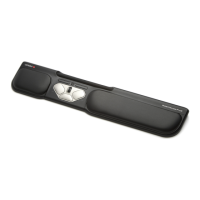
The Rollerbar provides two functions:
• Moving the Rollerbar from side to side and up/down
performs cursor movement.
• Pressing down on the Rollerbar performs a left click.


 To Next Page