– 8 –
Operating system
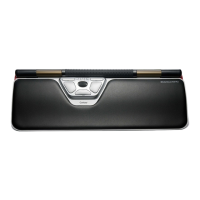
RollerMouse has different modes to best fit your
operating system.
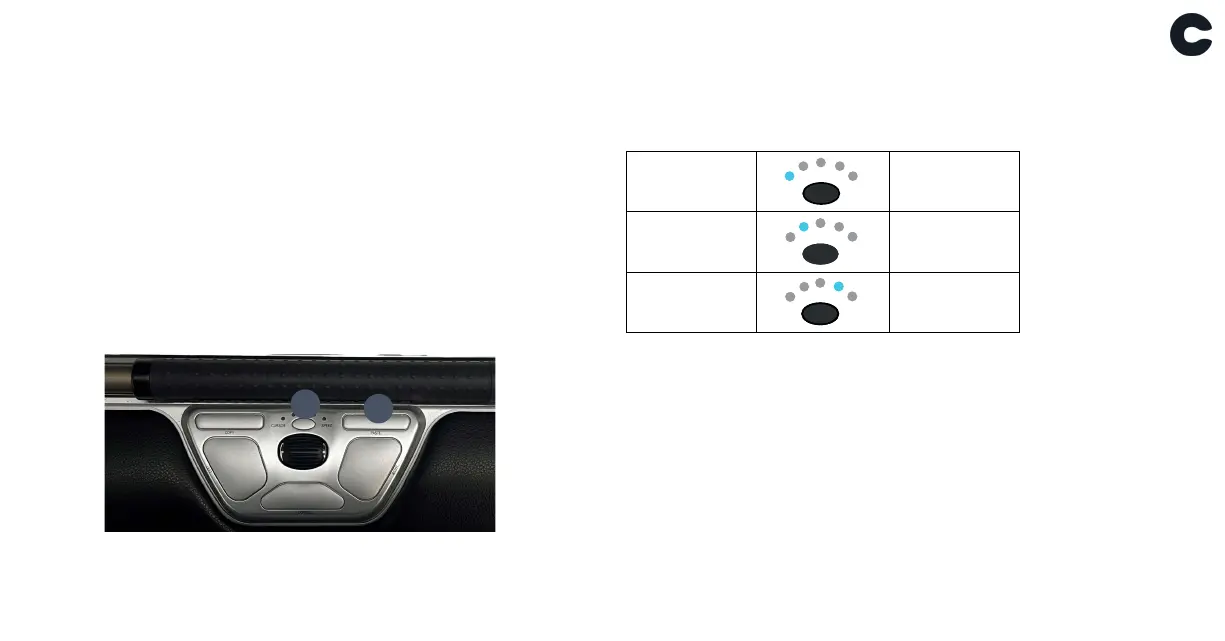
Press and hold both button B (Cursor speed) and
button D (Paste) for two seconds, then the LED light
will show the respective mode. While continuing to hold
button B, release button D and click button D to toggle
through the different modes. Release both buttons to
select the desired mode.
Mode settings
B
PC mode
Windows
Mac mode
OS
HID mode
Linux
D


 To Next Page