– 9 –
Keyboard positioning
Before using your RollerMouse, please take a moment
to adjust your keyboard.
If you are using other keyboards than Contour's
Balance Keyboard - designed specifically
for
RollerMouse - you can use the keyboard risers to
achieve the desired keyboard height and angle.
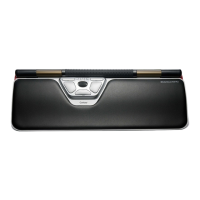
The spacebar on your keyboard should come just
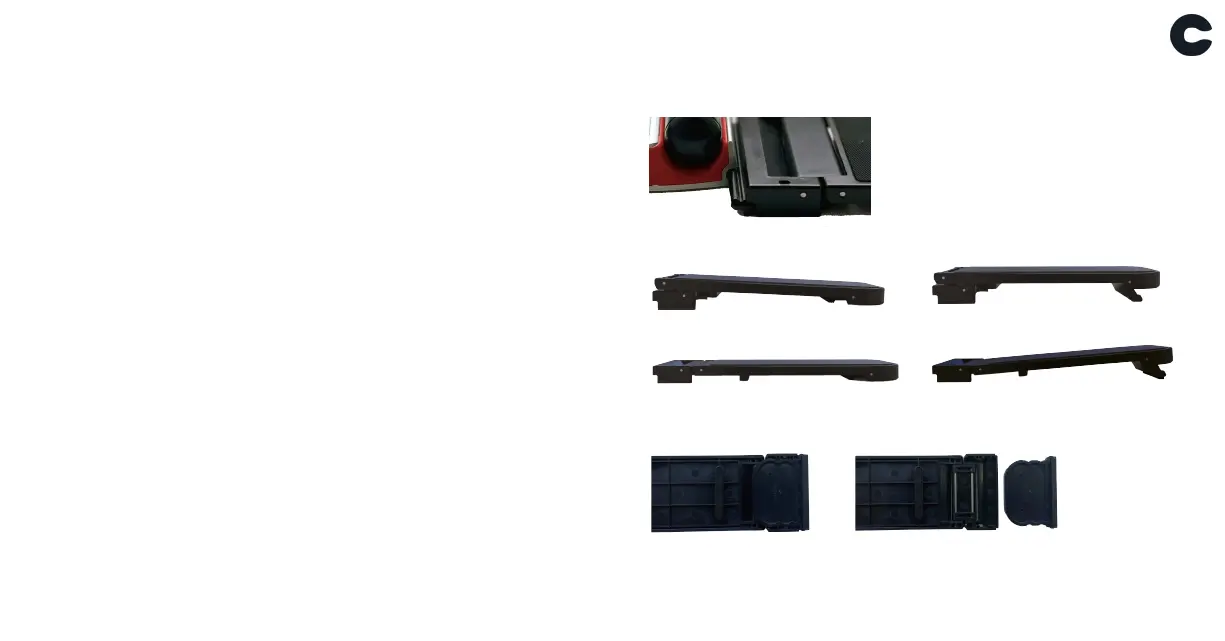
above your Rollerbar. Fit the end of the keyboard
risers into the slot on the back of the RollerMouse
- then place the keyboard as it was lying on the
table.
For a proper ergonomic position the front edge of
the keyboard should be as close to the Rollerbar as
possible. We recommend to use negative tilt helping
you to hold a neutral wrist position and decreasing
the extension of your fingers.
Negative tilt
Neutral flat
Neutral elevated
Positive tilt
Note: The short keyboard riser is attached to the longer version in the box.
To use it separately, pull it upwards following the direction of the arrow.


 To Next Page