/5 /6
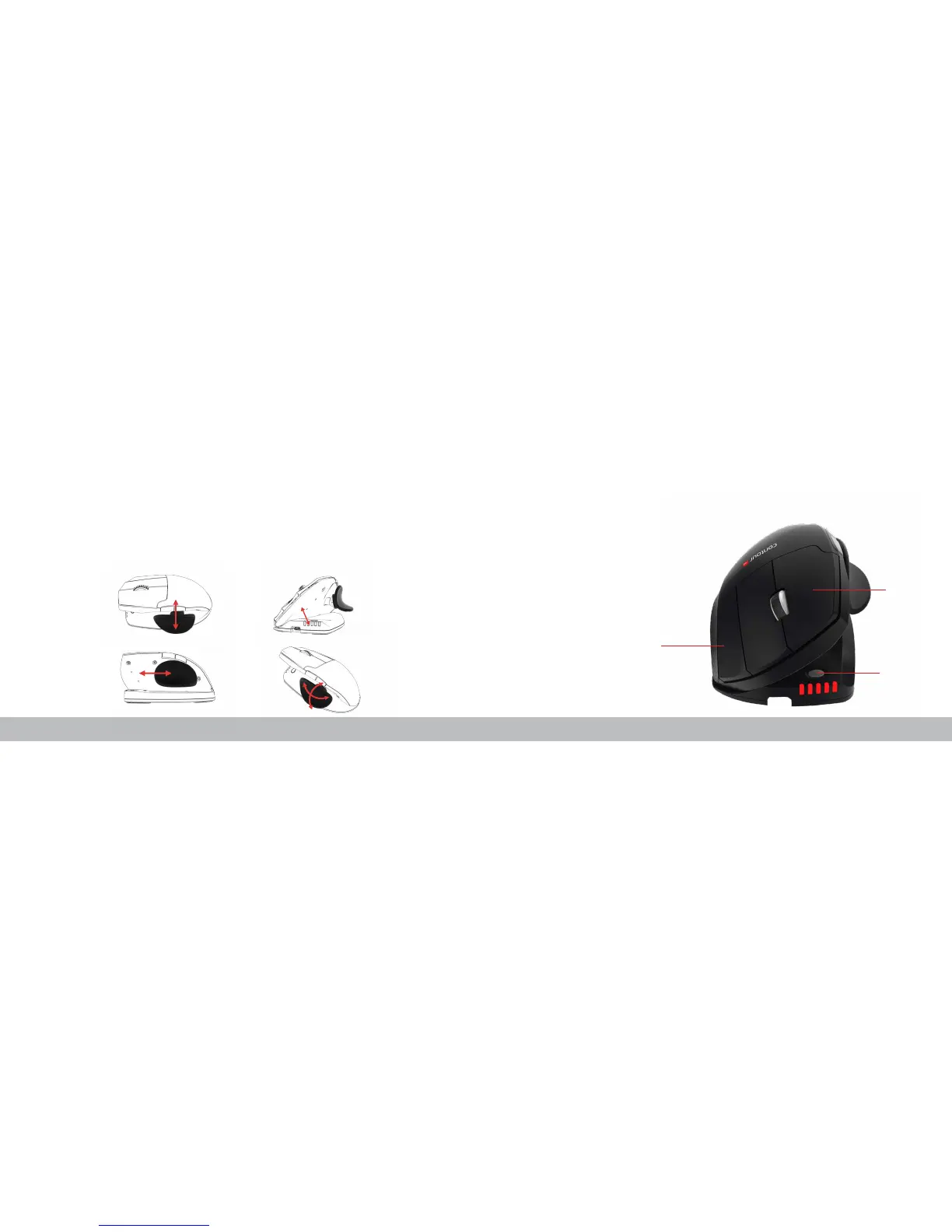
Adjustable Features
The thumb rest can be extended
or collapsed to accomodate
different handsizes.
Slide the thumb support forward
or back to accomodate variations
in thumb length and grip
preference.
Adjust tilt for your desired
mousing angle.
The thumb support can be
rotated in any direction to adjust
to your prefered thumb position.
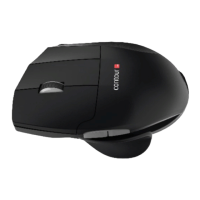
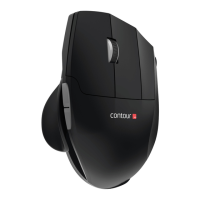
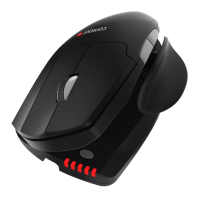
Unimouse has 4 key points of articulation. We econourage you to explore a
variety of positions while using your Unimouse. For more details regarding
adjustability, please refer to the Adjustability Guide.
With the Unimouse in close proximity to the dongle, hold left click, right click and
the cursor speed buttons at the same time until the LED indicator turns green
and pulses twice in succession.
Pairing
Cursor speed (DPI)
Left click
Right click


 To Next Page