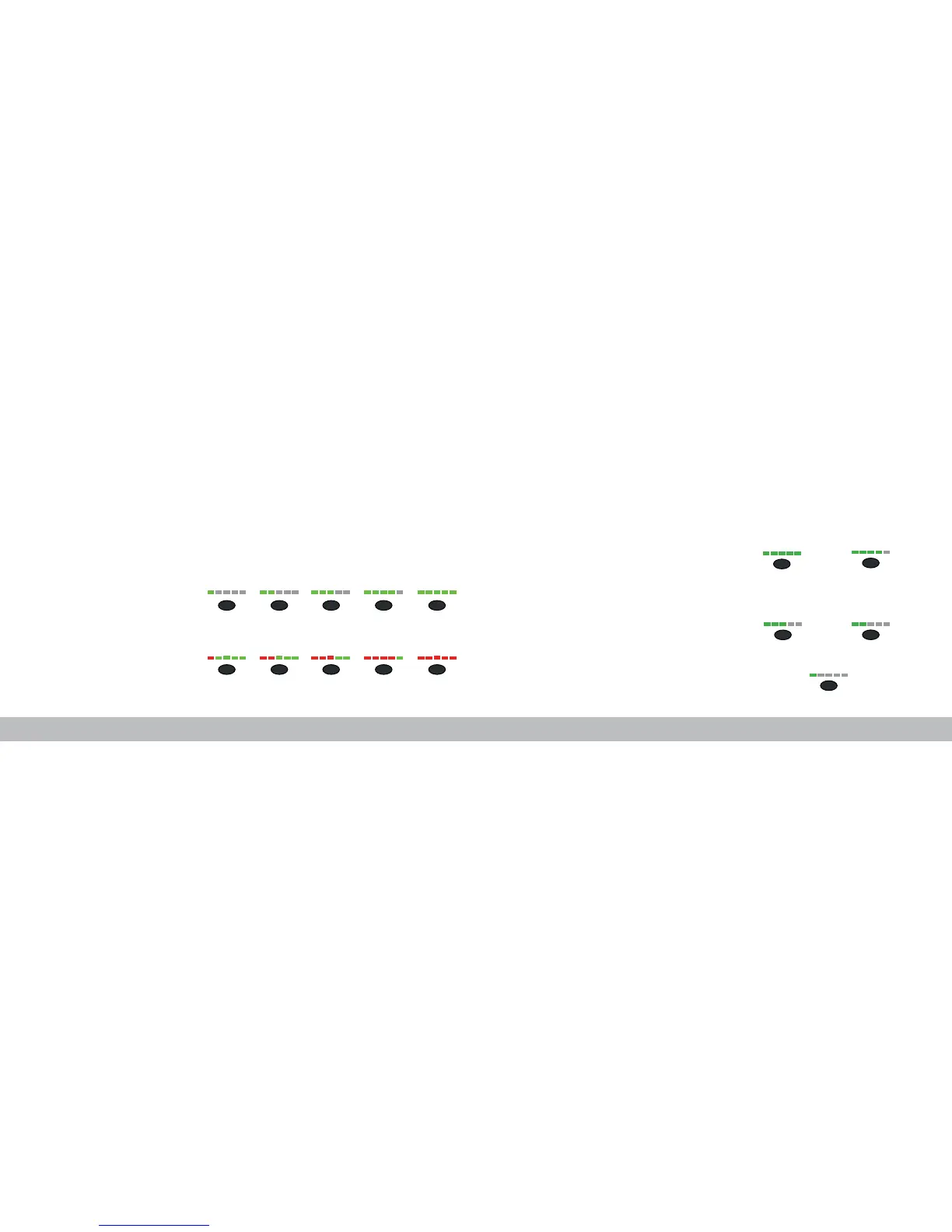
100%
60%
20%
80%
40%
B
1) 800 2) 1000 3) 1200 4) 1400 5) 1600
6) 1800 7) 2000 8) 2200 9) 2400 10) 2800
/7 /8
Battery Level
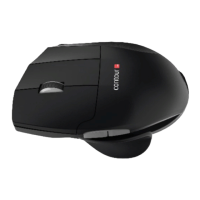
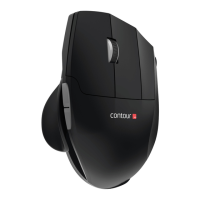
Your Unimouse comes pre-charged and has an expected battery life of up to 3
months with average daily use.*
Unimouse has a built-in rechargeable battery. To see the battery level on your
device, press the cursor speed button once. The Unimouse will first display the
current cursor speed (DPI), then display the current battery level.
If your Unimouse is running low on battery, the center LED light will start
blinking in red.
To charge your battery, plug the charging cable into your Unimouse and connect
it to a USB port on your computer (see page 4). The Unimouse will charge in 2
hours and you may use your Unimouse as it charges.
*Battery life may vary based on user and computing conditions.
Change Cursor Speed
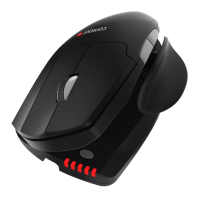
Press the cursor speed button to cycle through cursor speeds. There are
ten speed selections ranging from slow (800 DPI) to fast (2800 DPI). Speed is
indicated by the LED lights as shown.


 To Next Page