WebRelay Users Manual
2.5.8 Network Connection
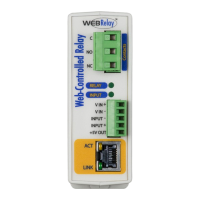
Connect the Ethernet port to a standard 10/100 Base-T Ethernet connection. The WebRelay typically
connects to an Ethernet hub, switch, or router. The WebRelay does not support auto-negotiation on the
Ethernet cable. For configuration, WebRelay may be connected directly to the Ethernet port on a
computer using a “crossover” cable. Otherwise, for connection through a hub or router, a standard
“straight-thru” cable should be used.
Note: The wireless Ethernet bridge or router must be properly configured for the wireless network. Refer
to the installation instructions for the wireless device.
Xytronix Research & Design, Inc. Page 27

 To Next Page
 Loading...