WebRelay Users Manual
Device Upgrade Procedure
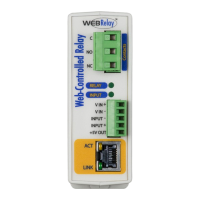
Carefully follow the following steps to put the WebRelay into bootloader mode and perform the upgrade:
1. Remove DC power from WebRelay.
2. Using a small, non-conductive tool, press and hold the reset button.
3. While holding the reset button, apply power to WebRelay. The LINK and ACT lights will flash. Continue to
hold the reset button for the next step.
4. While holding the reset button, press the Upload Firmware button at the bottom of the ControlByWeb™
Programmer window. After the programming process begins, the reset button can be released.
5. Programming will take approximately 20-30 seconds, the LINK LED will stop flashing and remain lit. The
WebRelay will be set to factory defaults with an IP address of 192.168.1.2.
6. Refer to Section 2.5: Establishing Communication for Setup to reconfigure the WebRelay. Verify the new
version of firmware has been installed by viewing the default setup page with a web browser
(http://192.168.1.2/setup.html).
Xytronix Research & Design, Inc. Page 71

 To Next Page
 Loading...