PoolWarden Manual www.poolwardentraining.com 530-205-4520 17
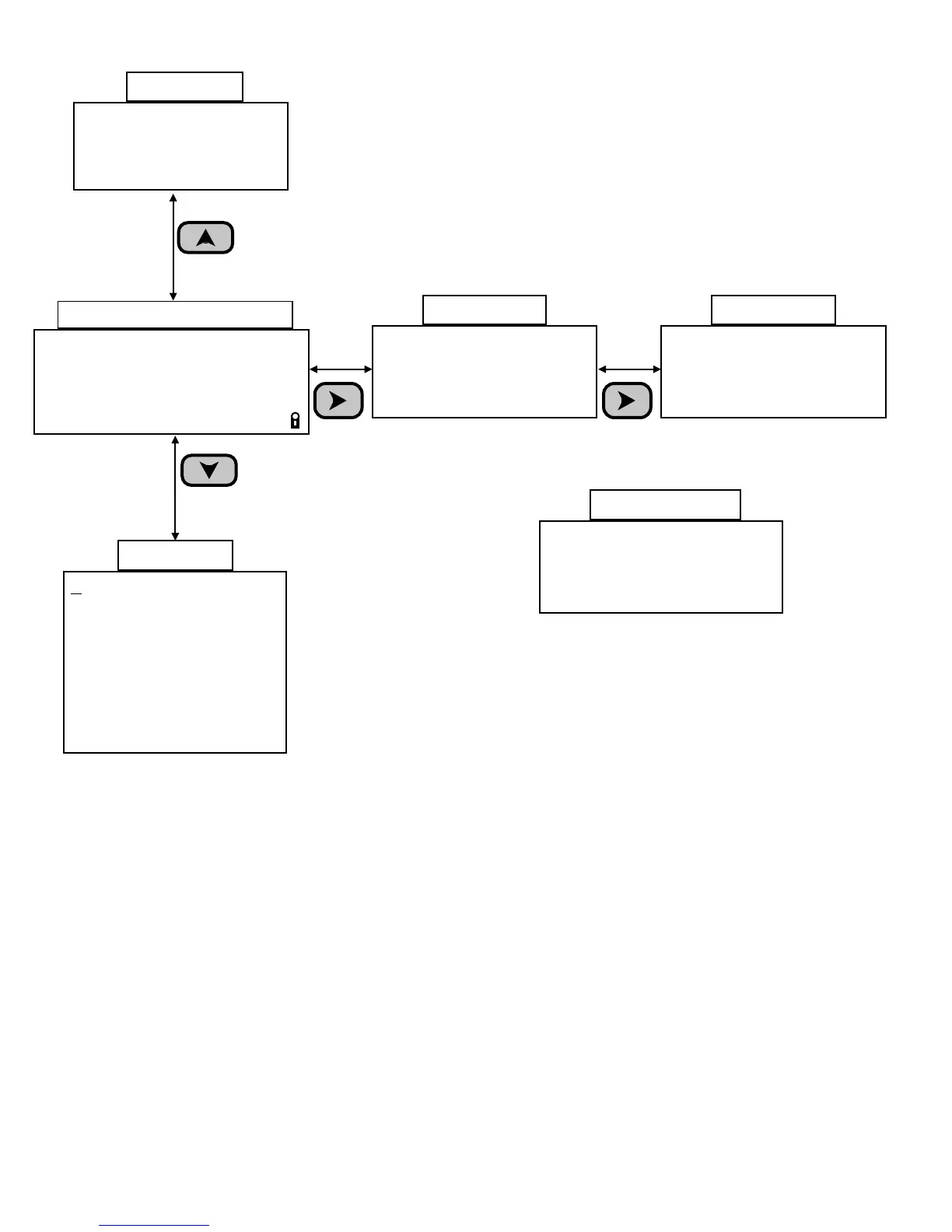
Handy Menu
Enter Password
Last 7 Days Data
Startup Screen
Enter Service Pin
Enter Measurements
Last Month On Times
Relay Information
System Information
Flow1 ON
Flow2 OFF 0.00 gpm
Flow3 OFF
Flow4 OFF
Flow Info
Pool1 Active Alarms
On If ORP < 650
On If Temp < 78.0
Pool2 Active Alarms
Alarm Info
Press
Right Arrow
Press
Down Arrow
Press
Up Arrow
Information Menus
ORP pH Tf Flow
681 7.7 75 ON a
695 7.5 102 ON
RlyP1↑↓o_ P2_↓o_ c
Default Readings Screen
m
v
Langelier Sat index
1=-0.1/0.1 Balanced
2=0.6/0.3 Scale
Current/At Setpoint
Langelier Info
Press
Right Arrow
PoolWarden Dual
Pool/Spa Controller
03/04/16 09:34:31
SN: 700119 08/28/16
Startup Screen
Line 3: Current date and time
Line 4: Serial number and software date.
Quick Keys
2: If quick menus enabled, ORP setpoint and mixing times setup
3: If quick menus enabled, pH setpoint and mixing times setup
6: TrueDPD information screen, press 9 in this screen to start a measurement
9: Display the setpoints



 To Next Page