PoolWarden Manual www.poolwardentraining.com 530-205-4520 19
ORP pH Aux Aux Alarm
Liquid(ORP+) Acid(pH-) Not Used Superchlorination Not Used
Feeder(ORP+) Base(pH+) Heater Water Level Standard
Cal Hypo(ORP+) Feed Daily PH Choices ORP %
Salt System(ORP+) Alarm Out ORP Choices
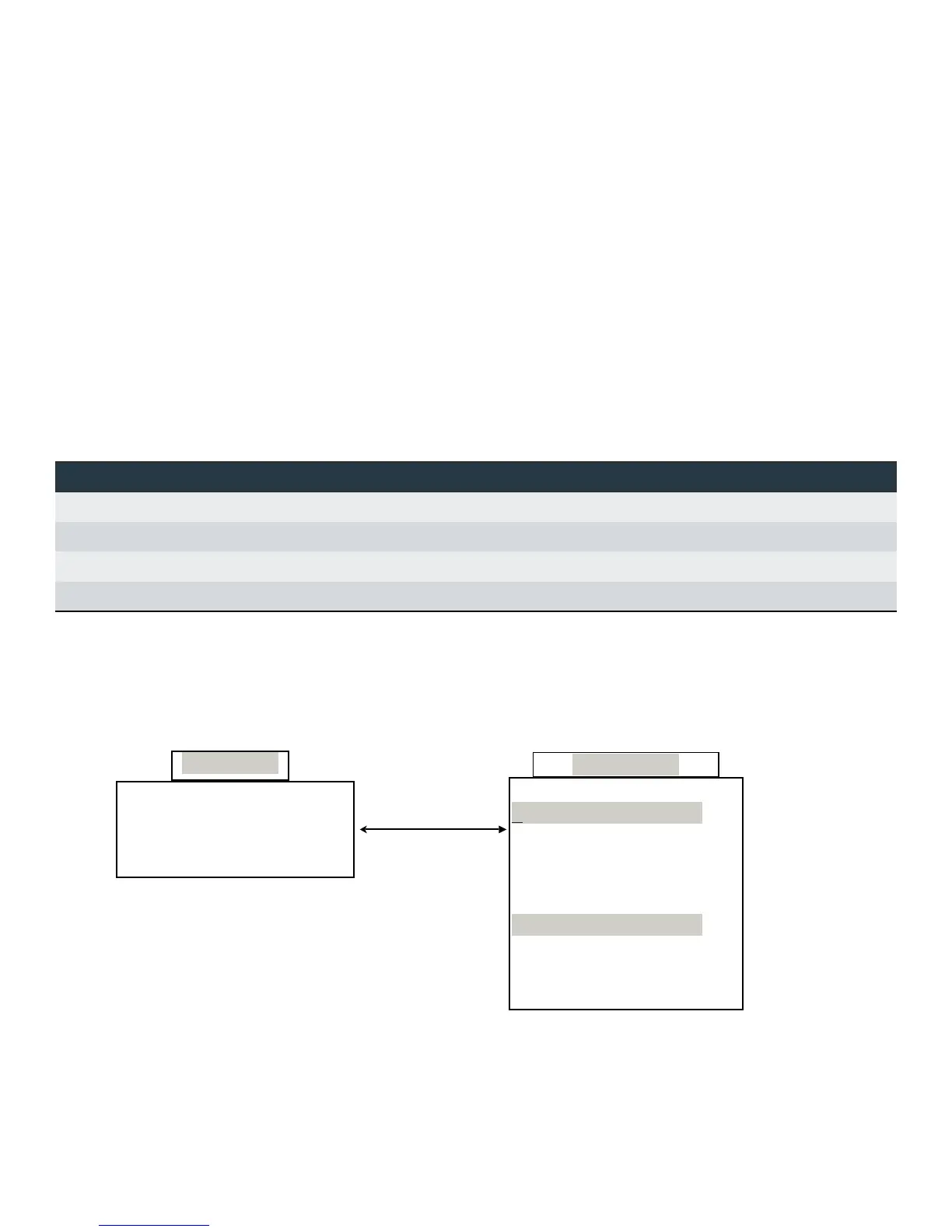
Step 3 - Relay Control Type Menu
The Relay Control Type Menu is the next step in programming PoolWarden and getting started. The Relay
Control Type Menu sets each relay to the control type the relay will use. For Example: Will the ORP Relay for
Pool 1 be using Liquid Chlorine, an Erosion Feeder or a Salt System? This is where the PoolWarden relays
are set up to the appropriate way to control the installed equipment. From the Default Readings screen press
the Back button to scroll down and select Relay Control Type, then select Pool1 or Pool2. Scroll down to the
relay that needs to be changed and press the Enter key to select that relay. When changing a relays control
type the Arrow buttons perform the following actions which is also indicated on the screen.
⧫ Press the ► Right Arrow to cycle through all the control types for the current relay.
⧫ Press the ◄ Left Arrow to save and update the new control type within PoolWarden. Note: The Back
button will cancel the change, only the Left Arrow will change the control type. Note: To reset a single
relay back to factory default values select that relay in this menu and the press the Left Arrow.
⧫ Press the Back button to cancel and exit without making any changes.
⧫ Relay Control Types: PoolWarden includes control types for sanitizer, pH and other types of control. The
ORP relays can only use a sanitizer control type and the pH relays can only use a base or acid control
type. The AUX relays can select any ORP and pH control type along with additional types which are listed
in the following table.
Relay Control Types
Step 4 - Relay Setup Menu (ORP, pH and Alarms)
The next step in getting started is to program all the set-points for the pH & ORP relays and the Alarm limits.
The Aux1, Aux2, Aux3 & Aux4 Relays will be covered in a later section. From the Default Readings Screen
press the Back button to access the Main Menu and scroll 3 rows down to “Relay Setup” and press Enter.
Scroll up or down to change the settings for the desired relay or alarm.
PH1 Acid(pH-)
ORP1 Liquid(ORP+)
Aux1 Not Used
Aux2 Not Used
Alarm1 Standard
PH2 Acid(pH-)
ORP2 Liquid(ORP+)
Aux3 Not Used
Aux4 Not Used
Alarm2 Standard
Relay Setup
Service LAN
Data Security
Relays Relay Type
Advanced System
Main Menu



 To Next Page