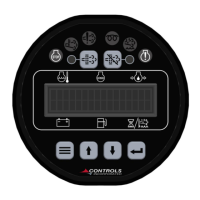
11
MENU SYSTEM
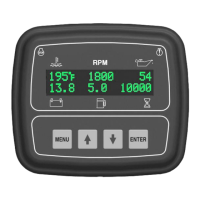
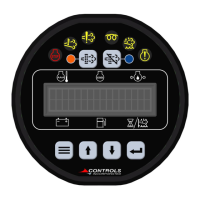
To Enter Menu System
Hold MENU button and press ENTER button.
Menu Navigation
Press MENU button to scroll menu options.
Press the UP arrow button to enter menu.
Press the DOWN arrow button to reverse.
Exit Menu System
Hold MENU button and press ENTER button.
To Change a Setting
Press the ENTER button to bring up brackets [ ].
Press UP arrow button and DOWN arrow button to change setting.
Press ENTER button to make selection, brackets disappear.
Recycle key to the OFF position after changing a setting.
MAIN MENUS
View Last 32 Events (Start, Stop, Alarms)
View Last 32 ECU and Controller Alarms)
Control Unit Software Version View
Engine Safety Configuration


 To Next Page