14
4.
Removingabreadpan
Once the mixing process is complete, the bread pan can be removed by following the steps
below.
a.
Unplugthecordfromthewallsocket.
b.
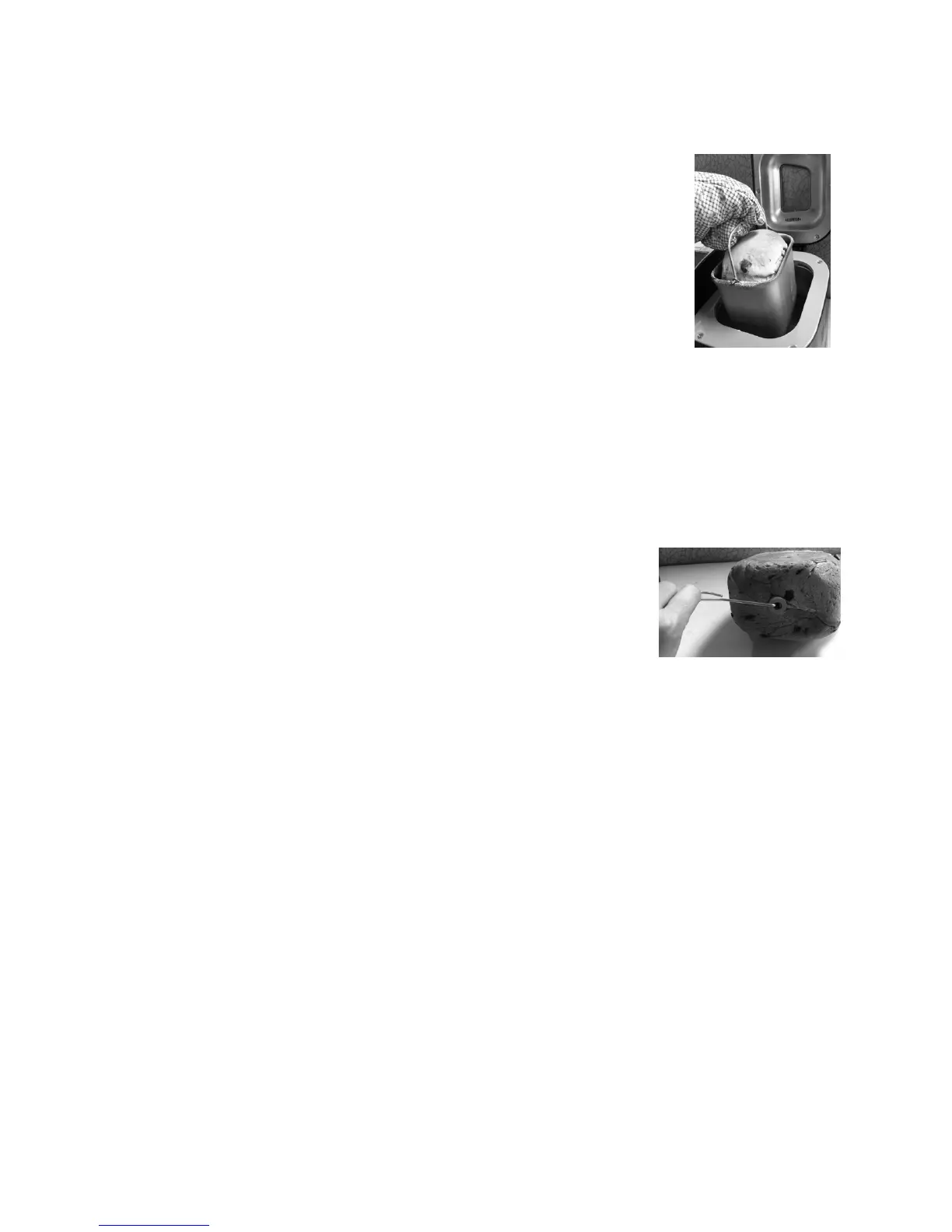
Openthelidanduseovenmittstoremovethebreadpanfrom
thebakingcompartmentbygraspingthehandleandpullingthe
panstraightupandoutoftheunit.(SeeFigure23)
Fig.23
5.
Removingdoughfromthebreadpan
Gather the dough in the center of the bread pan and pull it out carefully so it won’t be
damaged.
Note: Donotplacethebreadpanoranyotherobjectontopoftheunit.Toavoid
damagingthemachinessurface,donotputanyobjectontopoftheunit.
a.
Ifthekneadingpaddleisstuckinthedough,usethepaddle
removalkeytoremoveit,takingcarenottoscratchthe
kneadingpaddle.(SeeFigure24)
6.
Fromshapingtobaking
Shapethedough.Letitriseonceagain,andthenbakeorcookperyourrecipe
.
ForSpecialSettings
Followsteps1through5fortheBreadSettingsoutlinedabove,thenfollowthestepslistedbelow.
Notethatwhenusingthe‘SPECIAL’mode,neitherthe‘Color’or‘Timer’functionscanbeused.
1.
Beginanoperation
a.
Pressthe‘Left/Right’buttontoselecttheleftpan,
therightpanorbothpans.Abeep
willsoundeachtimethisbuttonispressed.
i.
Pressoncetouseonlytheleftside.‘LEFT’willdisplayontheLCD.(SeeFigure25)
ii.
Presstwicetouseonlytherightside.‘RIGHT’willdisplayontheLCD.
iii.
Pressthreetimestousebothsides.Both‘LEFT’and“RIGHT’willdisplay.
Notes:Ifbothsidesshowinformationotherthan0:00thisindicatesthatbothsideshave
beenselected.
Fig.24


 To Next Page