9
TEMPERATURE CONTROL OPERATION
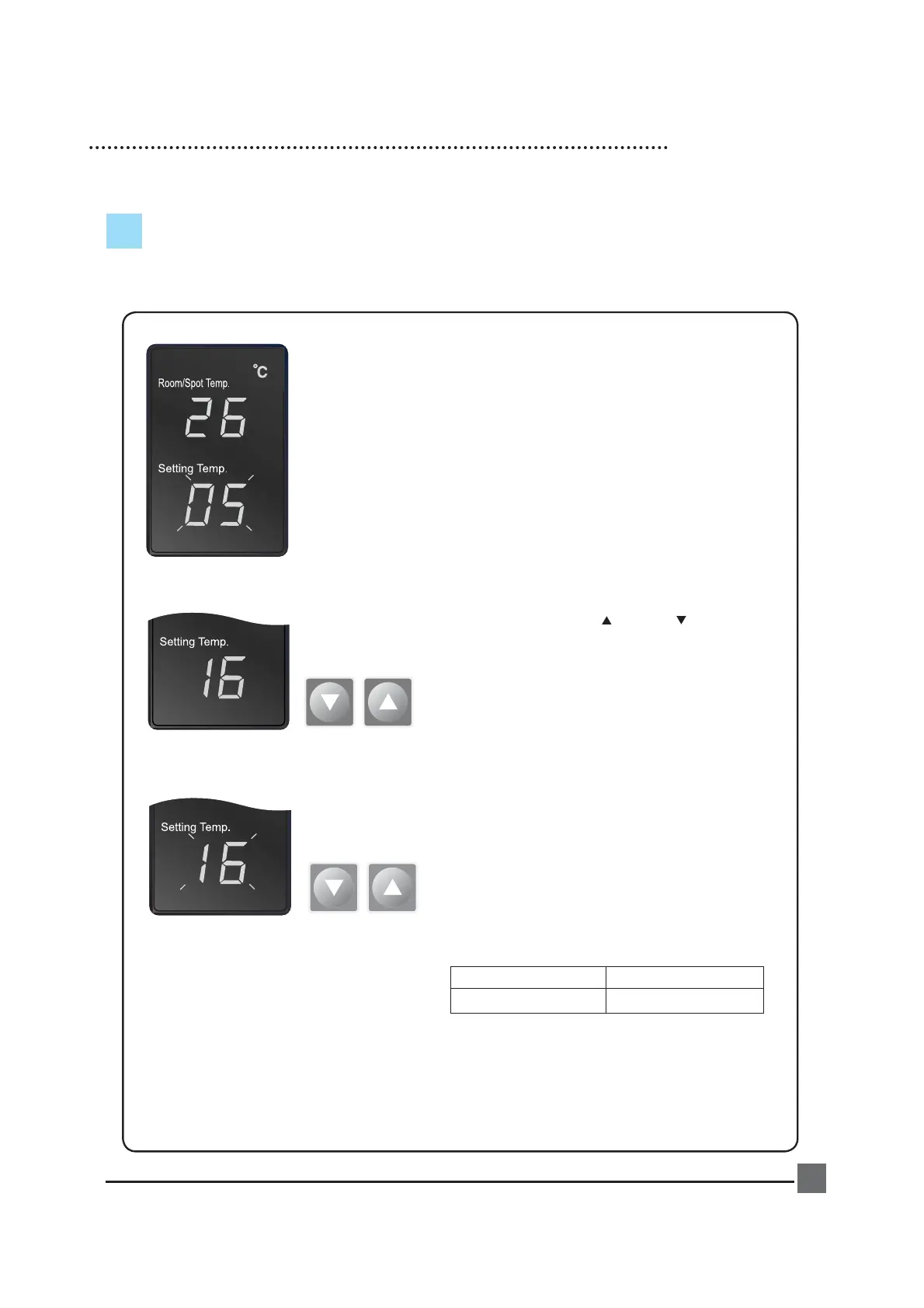
1. When power is on, the set temperature is displayed.
Default of set temperature is 5℃.
2. When you push either (up) or (down) button, the
setting temperature can be changed.
3. The display showing the set temperature will
blink 3 times.
4. Limits of Room/Spot and Setting temperatures.
Room/Spot Temp. Setting range
0℃ - 50℃ 1℃ - 30℃
Cooling operates when
Room/Spot temperature is more than set
temperature.
Cooling stops when
Room/Spot temperature is less than set
temperature.


 To Next Page