
 Need help?
Do you have a question about the Cooler Master Elite 241 and is the answer not in the manual?
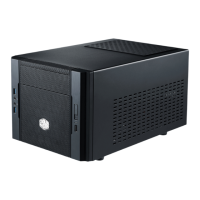
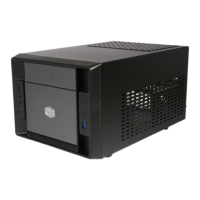
Visual representations of the case's top, side, and front views, including component labels.
Critical dimensions for CPU cooler height (153mm) and GPU card length (250mm) to prevent damage.
Details product model, dimensions, weight, material, M/B type, drive bays, I/O panel, and compatibility.
Lists included parts, quantities, and their specific usage for assembly.
Instructions on how to detach the case's side panel for access.
Guide on connecting the power supply unit to the case.
Steps for securely mounting the motherboard inside the chassis.
Procedure for inserting expansion cards like graphics or sound cards.
Instructions for mounting 3.5" and 2.5" storage devices.
Guide for installing optical drives or other 5.25-inch bay components.
Steps for fitting or swapping cooling fans within the computer case.
Final steps to ensure all components are properly installed and secured.
 General
| Color | Black |
|---|---|
| Material | Steel, Plastic |
| Motherboard Compatibility | Micro-ATX |
| Front Ports | 2 x USB 2.0 |
| Cooling System | 1 x 120mm Front Fan (Optional), 1 x 80mm Rear Fan (Optional) |
| Cooling | 1 x 120mm Front Fan (Optional), 1 x 80mm Rear Fan (Optional) |


 To Next Page