
 Need help?
Do you have a question about the Cooler Master Scout and is the answer not in the manual?
Detailed technical specifications including dimensions, weight, material, and component compatibility.
Lists included hardware parts, their quantities, and their intended uses for assembly.
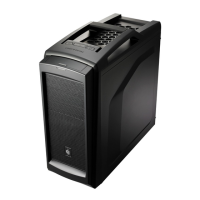
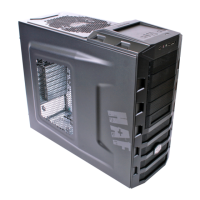
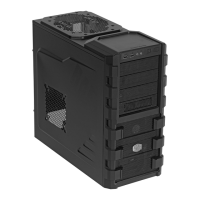
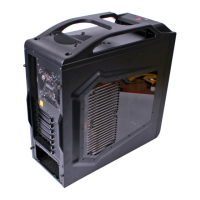
Visual representation of the computer case, highlighting key components and ports.
Instructions on safely detaching the side panel of the computer chassis.
Step-by-step guide for mounting and connecting the power supply unit (PSU).
Detailed steps for correctly mounting the motherboard inside the computer case.
Instructions for installing expansion cards into the motherboard's slots.
Guide for installing optical drives, hard drives, or other devices in drive bays.
Detailed instructions for mounting and securing hard disk drives.
Procedures for installing new or replacing existing cooling fans in the chassis.
Explanation of how to operate the LED lighting switches on the front panel.
Instructions for installing the StormGuard security bracket for added protection.
 General
| Model | Scout |
|---|---|
| Color | Black |
| Expansion Slots | 7 |
| Type | Mid Tower Case |
| Material | Steel |
| Motherboard Compatibility | ATX, Micro-ATX |
| Drive Bays | 5 x 3.5" |
| Cooling System | 1 x 120mm Rear Fan |
| Power Supply | Standard ATX PS2 |


 To Next Page