
 Need help?
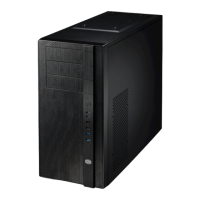
Do you have a question about the Cooler Master Elite 370 and is the answer not in the manual?
Instructions on removing the computer case's side panel for access.
Steps for correctly installing the power supply unit into the computer case.
Guide on mounting the motherboard inside the computer chassis.
Instructions for installing expansion cards like graphics or sound cards.
Steps for installing optical drives (5.25") and floppy drives (3.5").
Procedure for cleaning the dust filter to maintain airflow and performance.
Guide on installing the hard disk drive (HDD) for storage.
Instructions for installing or swapping cooling fans within the computer case.
Final steps to ensure the computer build is correctly assembled.
 General
| Material | Steel, Plastic |
|---|---|
| 5.25" Drive Bays | 3 |
| Expansion Slots | 7 |
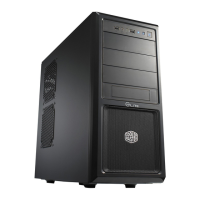
| Type | Mid Tower |
| Motherboard Compatibility | ATX, Micro-ATX |
| Front Ports | 2 x USB 2.0, Audio In/Out |
| Cooling System | Front: 120mm fan (optional), Rear: 120mm fan (optional) |
| Power Supply | ATX PS2 (optional) |


 To Next Page