11
Audio
Color
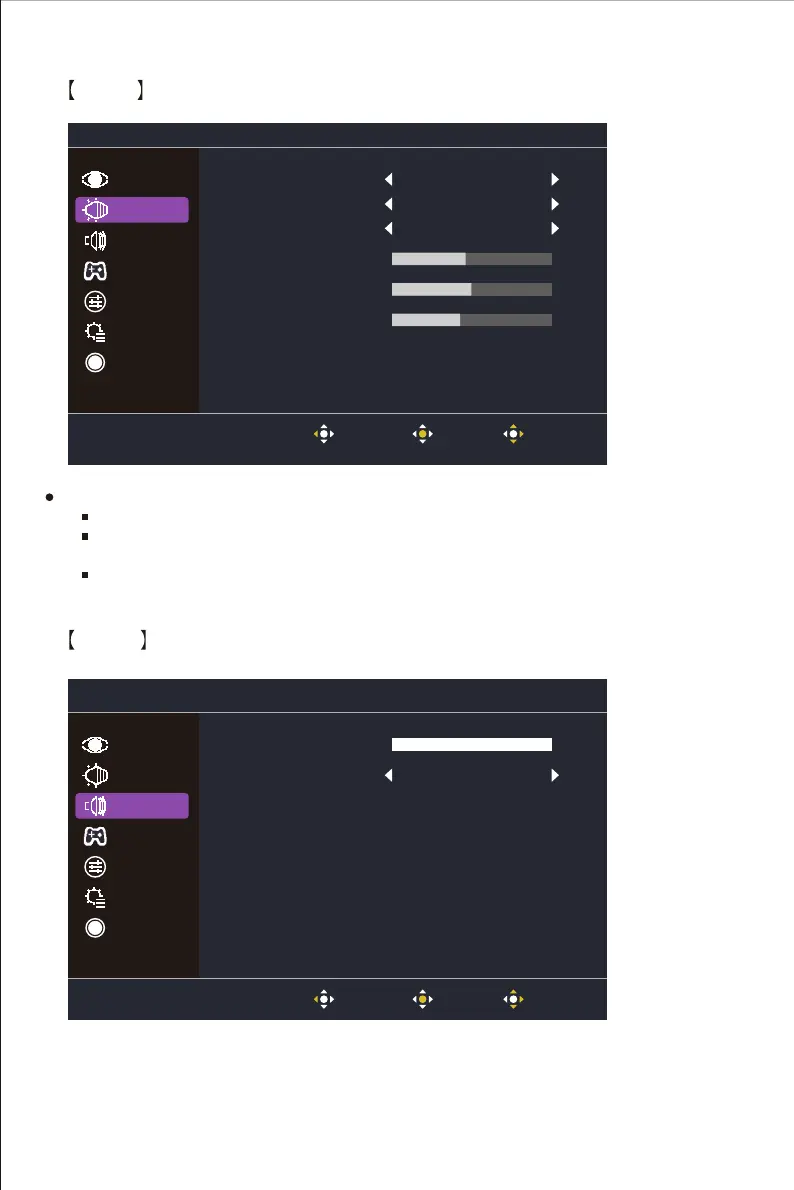
Enter the Color menu to adjust the ideal color mode.
Gamma: Adjust gamma curve between 1.8, 2.2 and 2.4.
Color Temperature: Adjust between Bluish, Cool, Native, Warm and User Color settings
which can adjust Red, Green and Blue value from 0 to 100.
Color Space: Convert the clolor space between sRGB, Rec.709, HDR, EBU,SMPTE-C and
Standard.
Gamma 2.2
Native
45
41
50
Color Temperature
R Gain
G Gain
B Gain
Color Space Standard
Picture
Audio
Gaming
OSD
System
Information
Color
Exit enter Move
Volume
Off
100
Mute
Picture
Gaming
OSD
System
Information
Color
Audio
Exit enter Move















 To Next Page