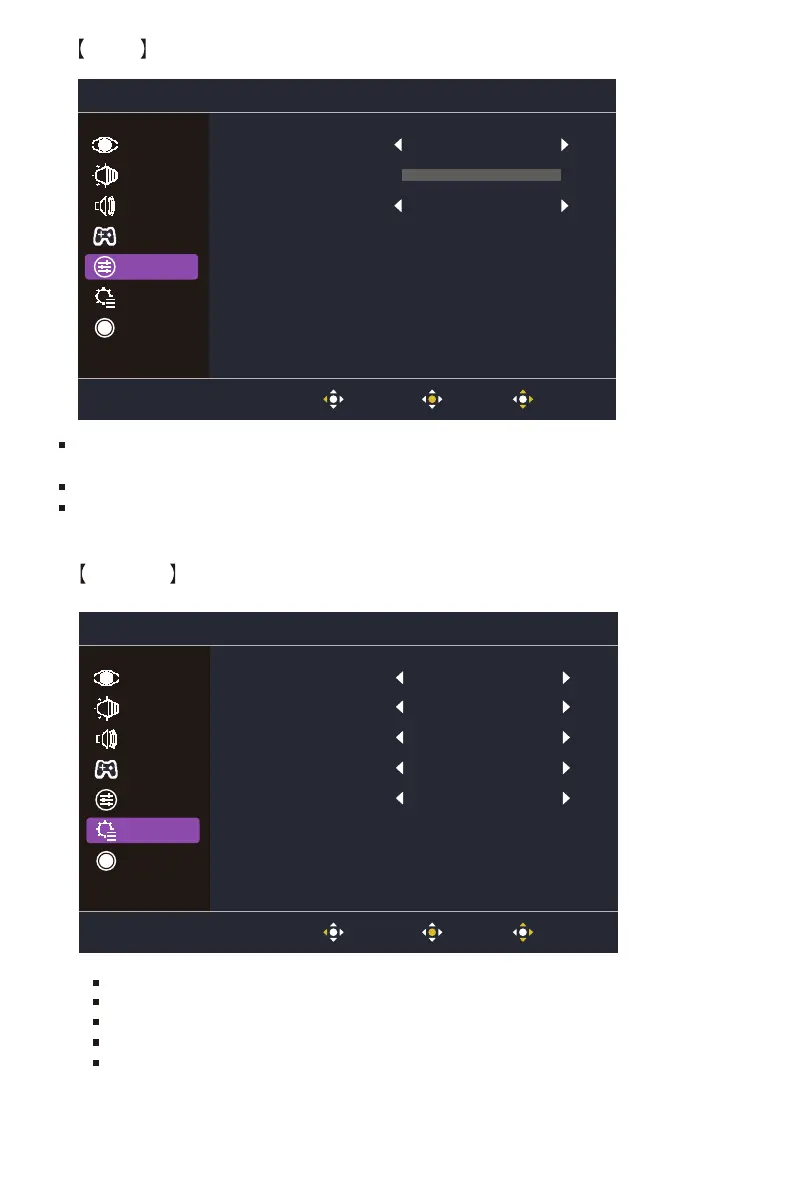
Language: English, Russian, German,French, Spanish, Italian, Finnish,Traditional Chinese,
Simplified Chinese Japanese, Korean are available options.
OSD Timeout: Adjust the OSD Timeout setting value between 10 and 120.
OSD Background: Turn the OSD Background setting value between Off, 20%, 40%, 60% and 80%.
13
Input Select: Select the source from an available input sourc,including HDMI 1,HDMI 2 and DP.
Auto Source: Automatically searches for available input sources.
Aspect Ratio: Full Screen and Aspect Screen mode can be selected.
DDC/CI: Turn the DDC/CI function On or Off.
Quick Start Mode: Turn the Quick Start Mode function On or Off.
OSD
System
Language English
Off
10
OSD Timeout
OSD Background
Picture
Audio
Gaming
System
Information
Color
OSD
Exit enter Move
Input Select HDMI
Off
Auto Source
Aspect Ratio
DDC/CI
Quick Start Mode
On
Full
On
Picture
Color
Audio
OSD
Information
Gaming
System
Exit enter Move















 To Next Page