DP
Resolution:1920x1080 165Hz
Input Source
Brightness/Contrast
Color Setting
Picture Quality Setting
Display
Audio
Multi-Window
Other
Window1:
InputSource: DP
Resolution:
Window2:
InputSource:
Resolution:
OSD
1920x1080 165Hz
Language
OSD Time Out
OSD Rotation
English
f
50
50
OSD H-Position
OSD V-Position
OSD Transparency
20
20
Normal
Cooler Master LCD Monitor User Manual-13
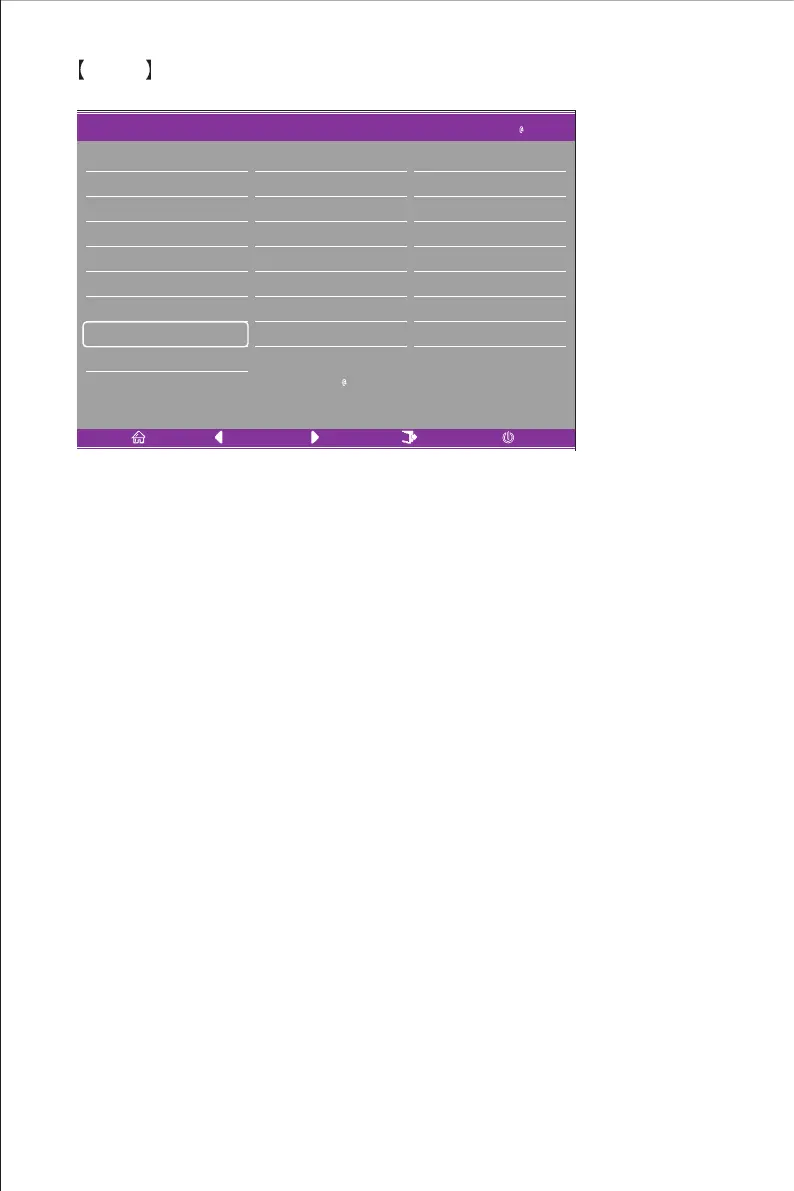
OSD
Enter the OSD to adjust functions including Language, OSDH-Position, OSDV-Position,
OSD Transparency, OSD Time Out and OSD Rotation etc.
1.Language: This can be adjusted to English, Simplified Chinese, Korean, Russian,
Spanish, Japanese, French or Traditional Chinese.
2.OSDH-Position: Adjust the horizontal position of the OSD between 0 and 100.
3.OSDV-Position: Adjust the vertical position of the OSD between 0 and 100.
4.OSD Transparency: Adjust the transparency value of the OSD between 0 and 100.
5.OSD Time Out: Set the display time of the OSD between 0 and 100.
6.OSD Rotation: Enables the rotate OSD function; it can be adjusted to Normal,
90 degrees, 180 degrees and 270 degrees etc.















 To Next Page