11
2. FPS: Provide the optimized setting for FPS(First Person Shooting) games to increase
the visibility in dark scenes.
3. Act: Provide the optimized setting for Act(Action) games.
4. RTS: Provide the optimized setting for RTS(Real-Time Strategy) games.
5. MOBA: Provide the optimized setting for MOBA(Multiplayer Online Battle Arena) games.
1. GAMER1/GAMER2: Make adjustments in both image modes GAMER1 and GAMER2.
SDR Picture Mode
HDR Picture Mode
Contrast
Aspect Ratio
Sharpness
Brightness
Input
Select
Gaming
Setup
Color
Adjustment
Advanced Setup
Menu
Picture
Setting
Game
Movie
User Color
SDR Picture Mode
HDR Picture Mode
Contrast
Aspect Ratio
Sharpness
Brightness
Input
Select
Gaming
Setup
Color
Adjustment
Advanced Setup
Menu
Picture
Setting
Full Screen
16:9
4:3
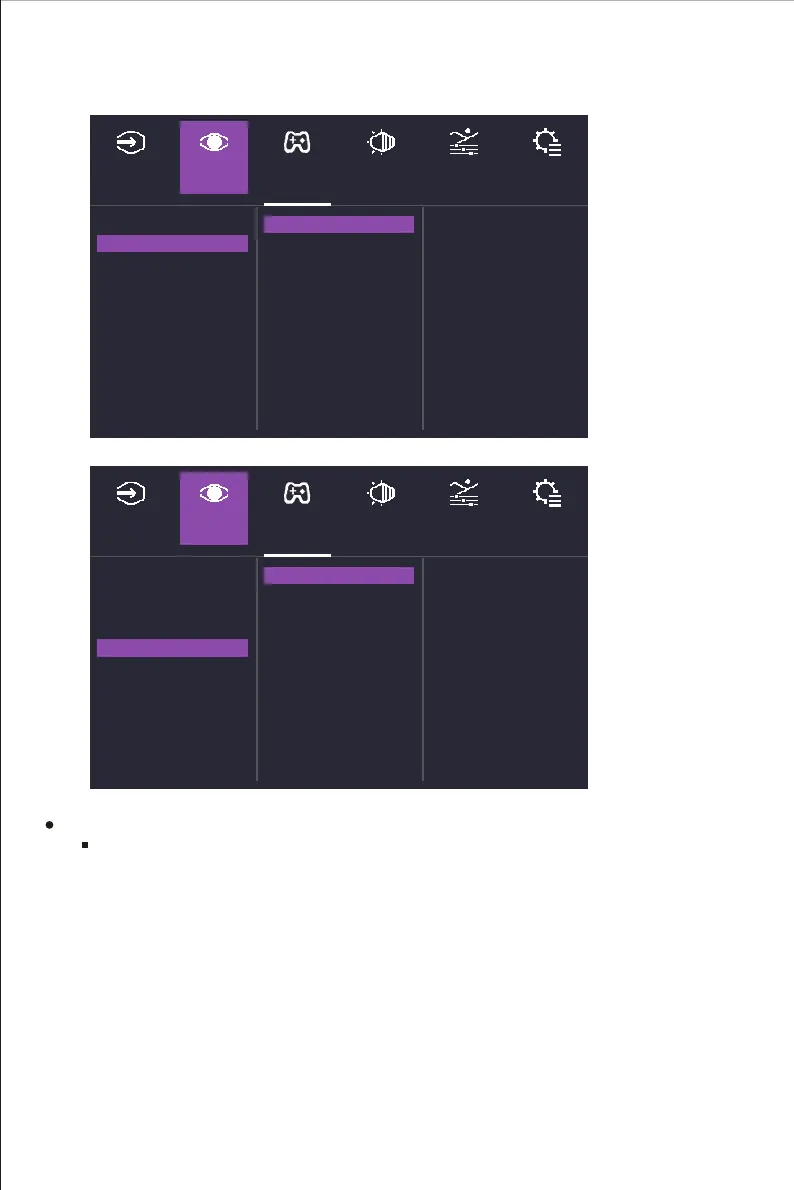
Enter the Picture Setting menu to adjust different picture modes.
SDR Picture Mode: Enter the SDR Picture Mode menu to configure image setting.
a. Standard: Enable standard picture mode.
b. Game: Provide the best option for gaming experience.
c. User: Provide customized option for user experience.
d. sRGB: Standard Red Green Blue.
e. Movie: Provide the optimized setting for movie watching experience.
f. Web: Provide the optimized setting for website browsing experience.















 To Next Page