7
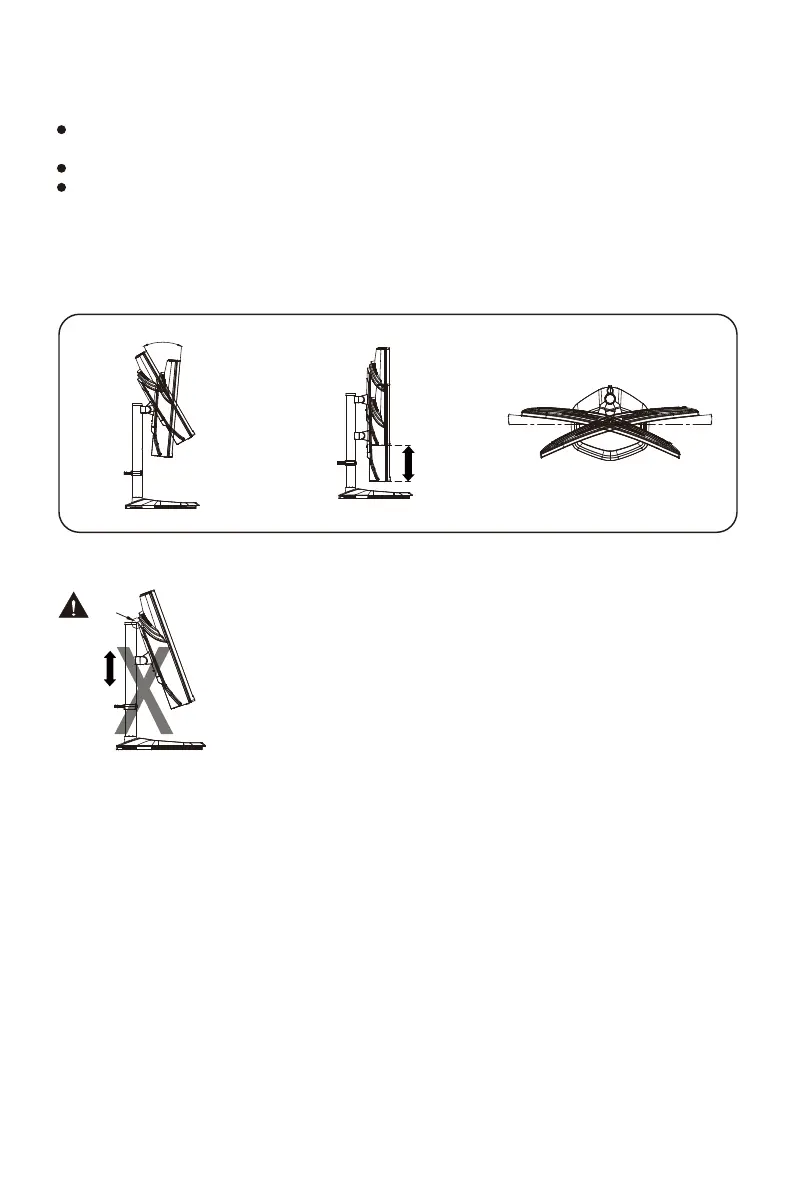
Adjusting the Monitor
-5°~20°
15°
15°
130mm
For the best results, it is recommended to look directly at the front of the monitor and make
any adjusts as necessary.
Ensure that the monitor is mounted upright on the stand base.
When adjusting the monitor viewing angles, avoid touching the screen and hold the stand in order
to prevent it from falling over.















 To Next Page