13
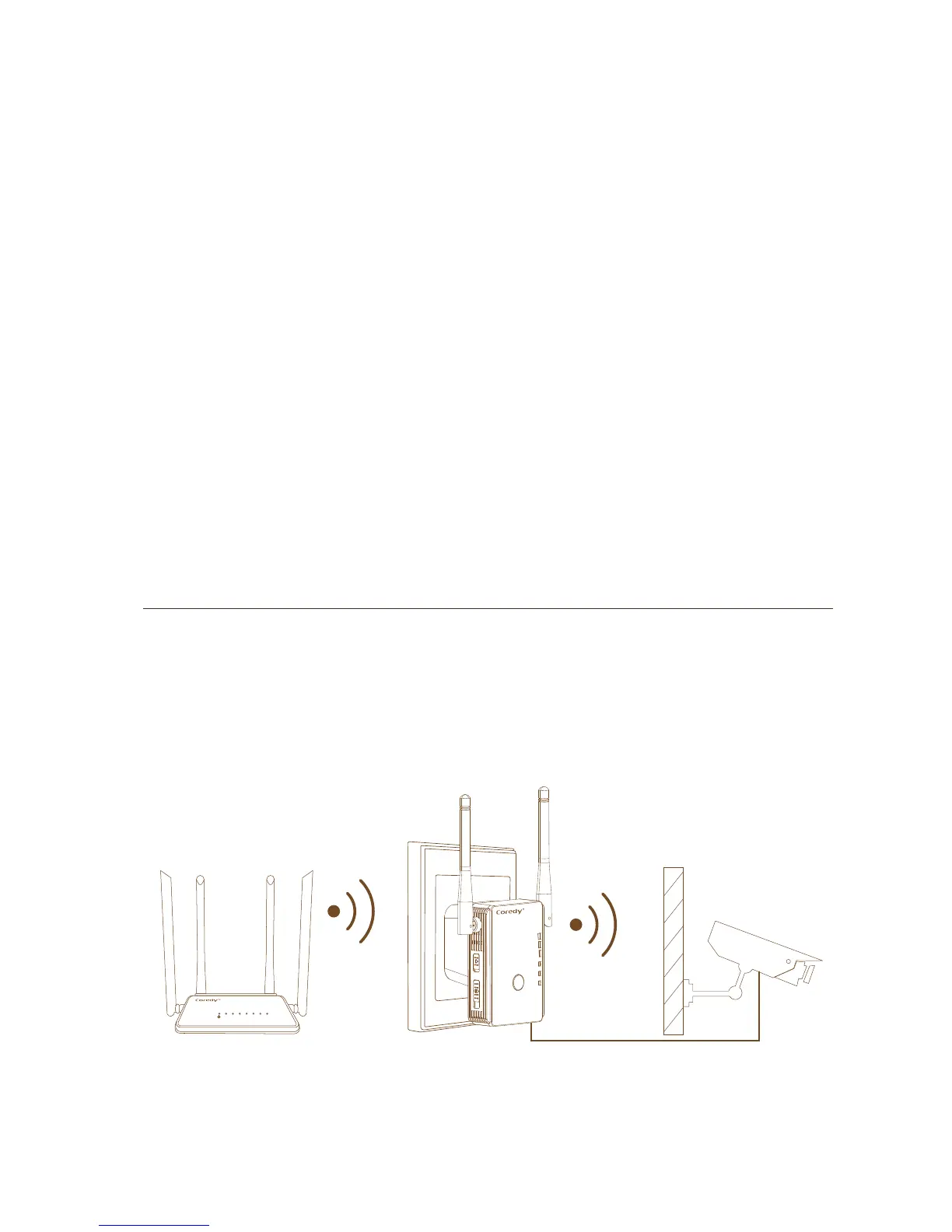
Connect an Ethernet-Enabled Device
After the extender is connected to your existing WiFi
network, you can connect a wired device to the extender
using an Ethernet cable. That device can then access your
existing network through the WiFi connection.
WLAN WAN LAN1 LAN2 LAN3 LAN4 WPS
WLAN
Power/WPS
WAN/LAN
LAN
6.
Find and connect to the new extended WiFi network on
your computer or WiFi device.
The extender creates a new extended WiFi network. The
extender’s new WiFi network name is “Coredy
E300_EXT”, use the same WiFi password that you use for
your WiFi router.
Note: Place the extender in an elevated location and
minimizing the number walls and ceilings between the
router and your other devices.
Note: If the extender doesn’t connect to the router, the
WLAN LED 1 keeps blinking and the extender’s new WiFi
network name doesn’t change to “Coredy E300_EXT” .


 To Next Page