25
1.
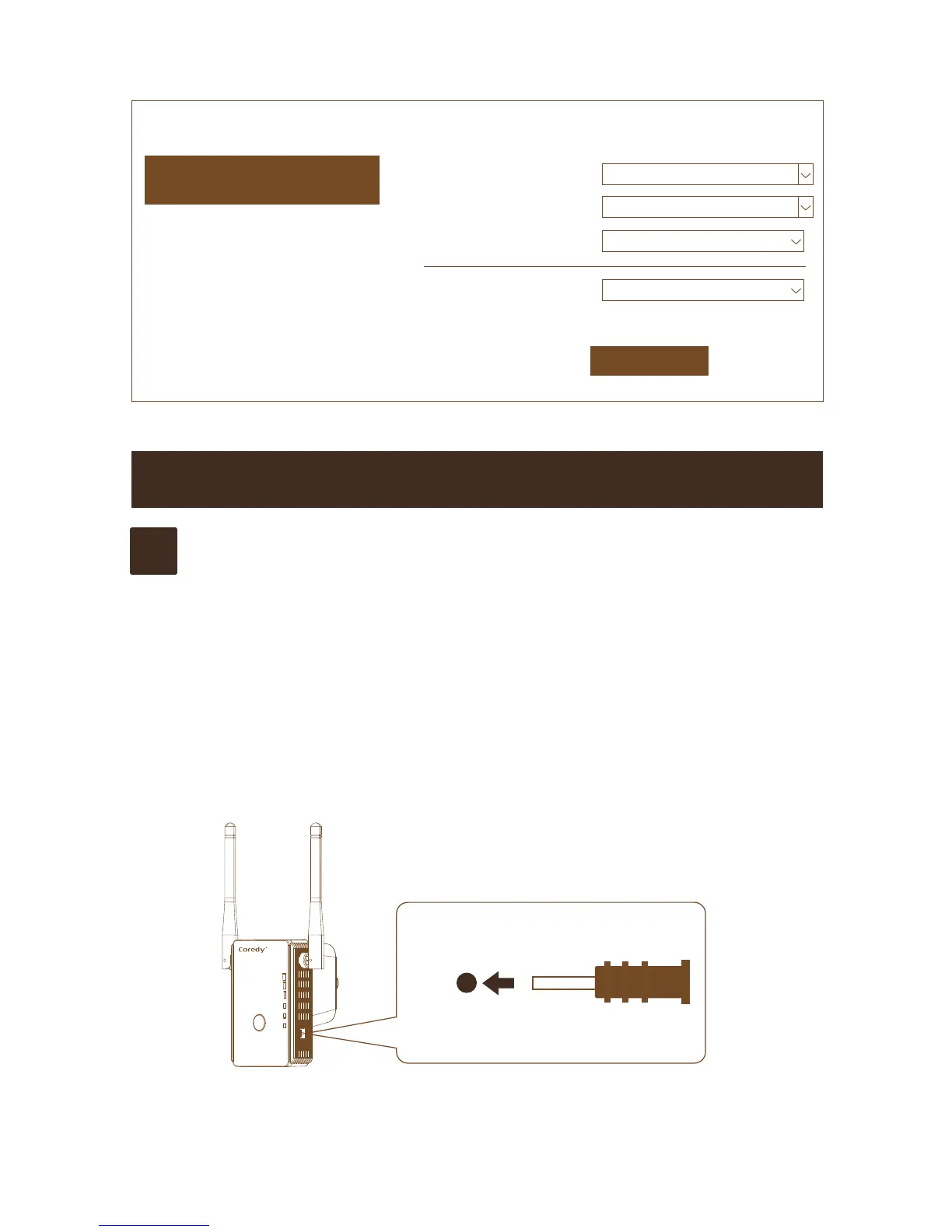
Using a reset pin come with package to press and hold the
Factory Reset button on the extender at least three
seconds untill the LAN and WAN/LAN Leds lights green.
2.
Release the Factory Reset button and wait for the extender
to reboot.
The extender resets and returns to the factory default
settings.
Wireless Settings Basic Settings
Basic Settings
Apply
Setup Wireless Basic Configuration
Advanced Settings
Broadcast SSID
Disable
Wireless Advanced Configuration
WPS
Wi-Fi Protected Setup
Schedule
Wireless Schedule
Back
Back to home page
SSID
easytoremember
Channel
2
Secutity Type
Disable
TROUBLESHOOTING
Reset
WLAN
Power/WPS
WAN/LAN
LAN
Q1
How to reset E300 to factory settings?


 To Next Page