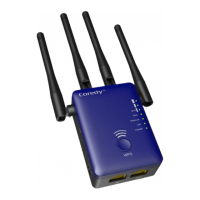
05
Lit amber. The E300 is starting.
Blinking fast. The port is sending or receiving traffic.
Off. No Ethernet cable is connected.
WAN/LAN LED
Lit amber. The extender has detected an Ethernet cable
connection to the AP or other device.
Blinking fast. The port is sending or receiving traffic.
Off. No Ethernet cable is connected.
LAN LED
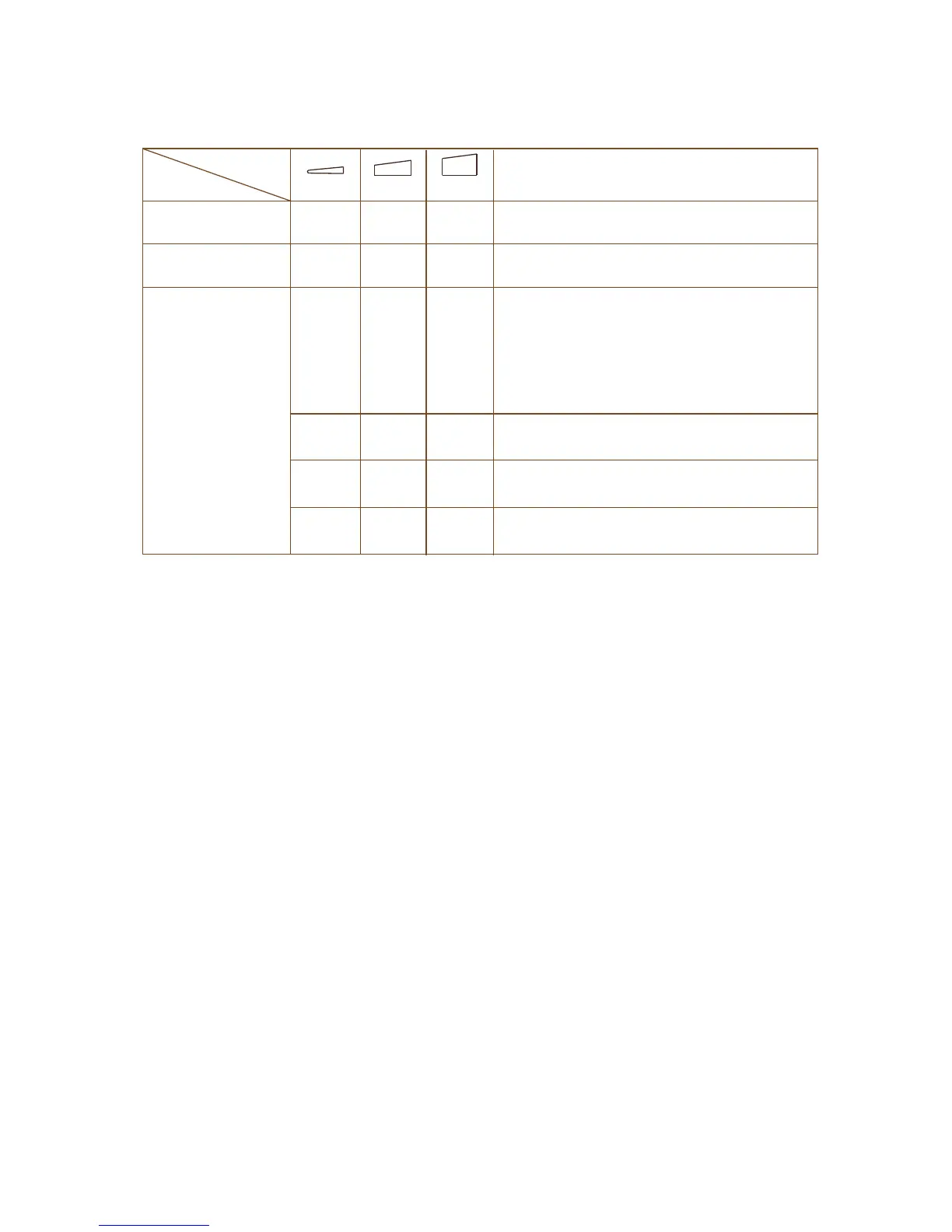
WLAN LED 1 – LED 3
Wi-Fi fadio is operating
Best connection
Good connection
Poor connection
No connection
(This LED indicates the connection
between the extender and the router
or access point )
Mode
LEDs
Description
Aeccess Point
Router
Repeater
ON
Bliking
OFF OFF
ON
OFF OFF
ON OFF
ON
ON
ON ON
ON
ON
Wi-Fi fadio is operating
ON
ON
ON
1
2 3

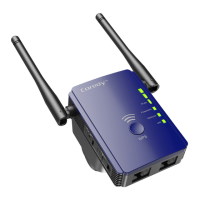

 To Next Page