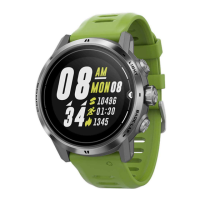
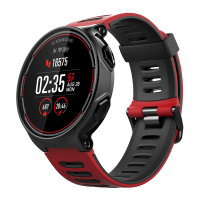
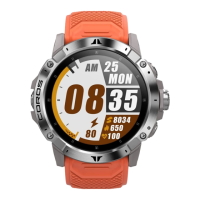
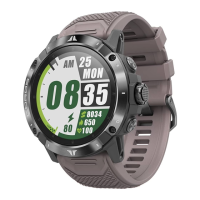
Watch Face & Theme Color – choose from different watch faces and theme colors
Pair Phone – shows QR code if haven’t paired with a phone
General – more system settings
General – 12 options
Wrist Hand – left/right
Digital Knob – clockwise down/up
Vibration & Tones – vibration (all on/off, key off), key tones on/off, message & call tones on/off, alarm
tones on/off, activity alert tones on/off
Auto Lock – on/off to prevent misoperation. If turned on, home page will lock in 2 minutes after the last
operation on the home page. Press any key to unlock the screen.
Units – imperial/metric for the watch display. If you want to change the unit on the COROS app, please
follow the steps to operate in the COROS app: Profile page > click on profile image > scroll down to
Units.
Date/Time – 24-hour on/off, auto sync on/off when connecting with the COROS app, time zone, set
time/date
Languages – English, Chinese, German, Spanish
Elevation – use GPS to calibrate current elevation, enter elevation manually
Compass – calibrate compass
Device’s Info – 6 digit ID, firmware version, GPS version, hardware version, Bluetooth version, ANT+
device ID
Reset All – reset all settings and delete all data on the watch
Turn Off – after shutdown, hold CONFIRM key for 2 seconds to turn on the watch
Workout Modes
Once you press the CONFIRM key to open up any workout page, the optical heart rate sensor will start
working actively. GPS sensor will also become active in workout modes that require GPS. Press CONFIRM
key during any started workout to Resume, Finish, and view Lap Details. Pause time will display on the
bottom of the pause page. Press BACK key to start a new lap during workout. Workout summary page
will show up once the workout is finished. You can sync workout and activity data to the COROS app
when your watch is active in the app. Swipe left on the target workout to delete it on the All Workout
page.
Special Workout Modes
Interval Training


 To Next Page